Team Headshots That Look Consistent, Even for Remote Teams
Consistent team headshots are tough when your team works remote. Here's how to get one matching, professional look for everyone, no group shoot needed.

8 min read

The fastest way to get consistent team headshots is to agree on one photo style before anyone picks up a camera, then have every person generate their photo from that same style using their own selfies. Nobody needs to be in the same room, the same city, or even the same time zone. Each person just needs the same background, the same lighting, and the same crop, and the set reads as one coordinated shoot.
That is the whole problem with team photos in 2026: most teams are no longer sitting in one office. This guide covers what actually makes team headshots look consistent, why it matters more than most companies realize, and how to roll it out across a remote team without booking a single photographer.
What Makes Team Headshots Look Consistent
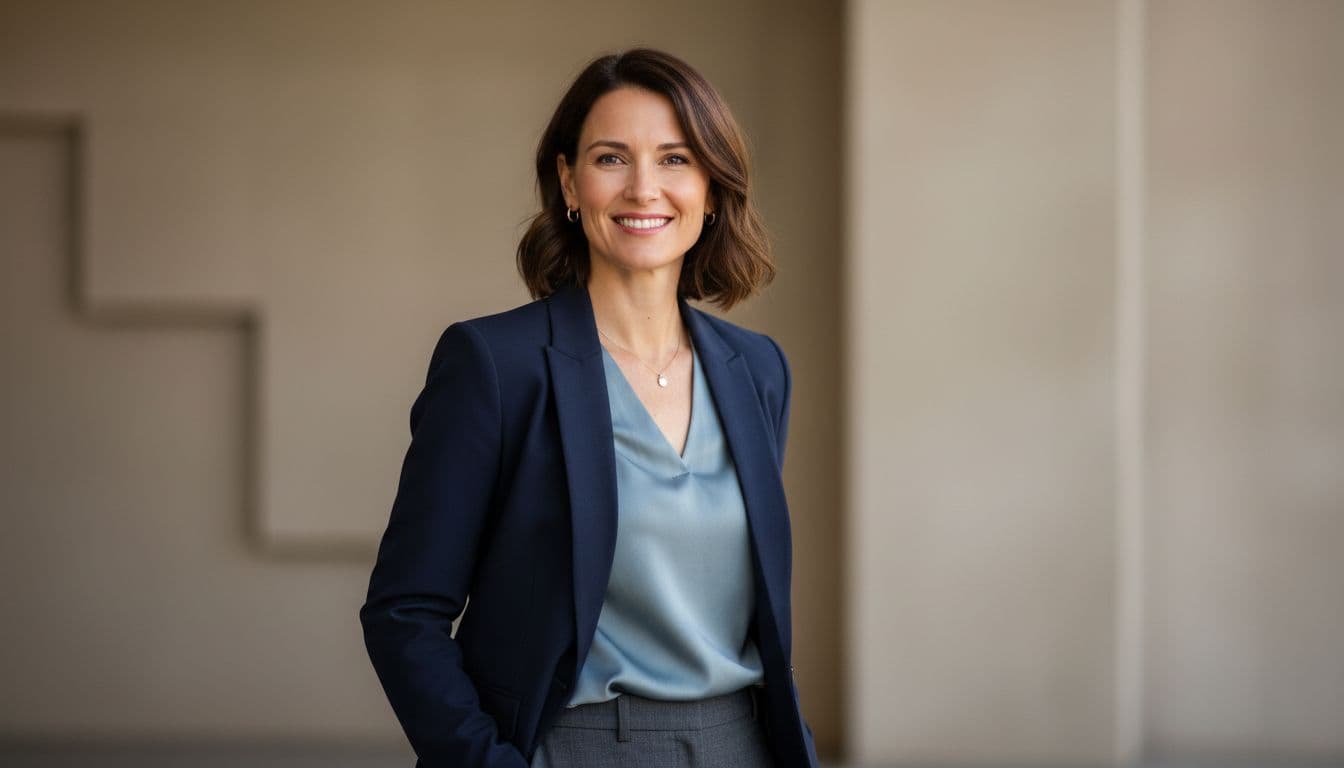
Consistent team headshots are a set of individual photos that share the same background, lighting, and framing, so a company's team page looks like one coordinated shoot even when the photos were taken at different times, in different places, on different cameras. Consistency does not mean everyone looks the same. It means the style around each person matches.
Before you photograph anyone, decide on these things as a team, not photo by photo:
- Background. One color or one blurred setting, used for every single photo.
- Lighting. Soft, even, front-facing light with no harsh shadows on anyone's face.
- Crop and framing. The same distance from chest to top of head in every photo, so thumbnails line up in a grid.
- Color tone. The same warmth and contrast applied across the whole set, not photo-by-photo edits.
- Expression guidance. A simple shared note, like "relaxed smile, looking at the camera," so the mood matches without feeling staged.
Get these five things aligned and it genuinely does not matter whether a photo came from a studio, a living room, or an AI app — the set will still look like it belongs together.
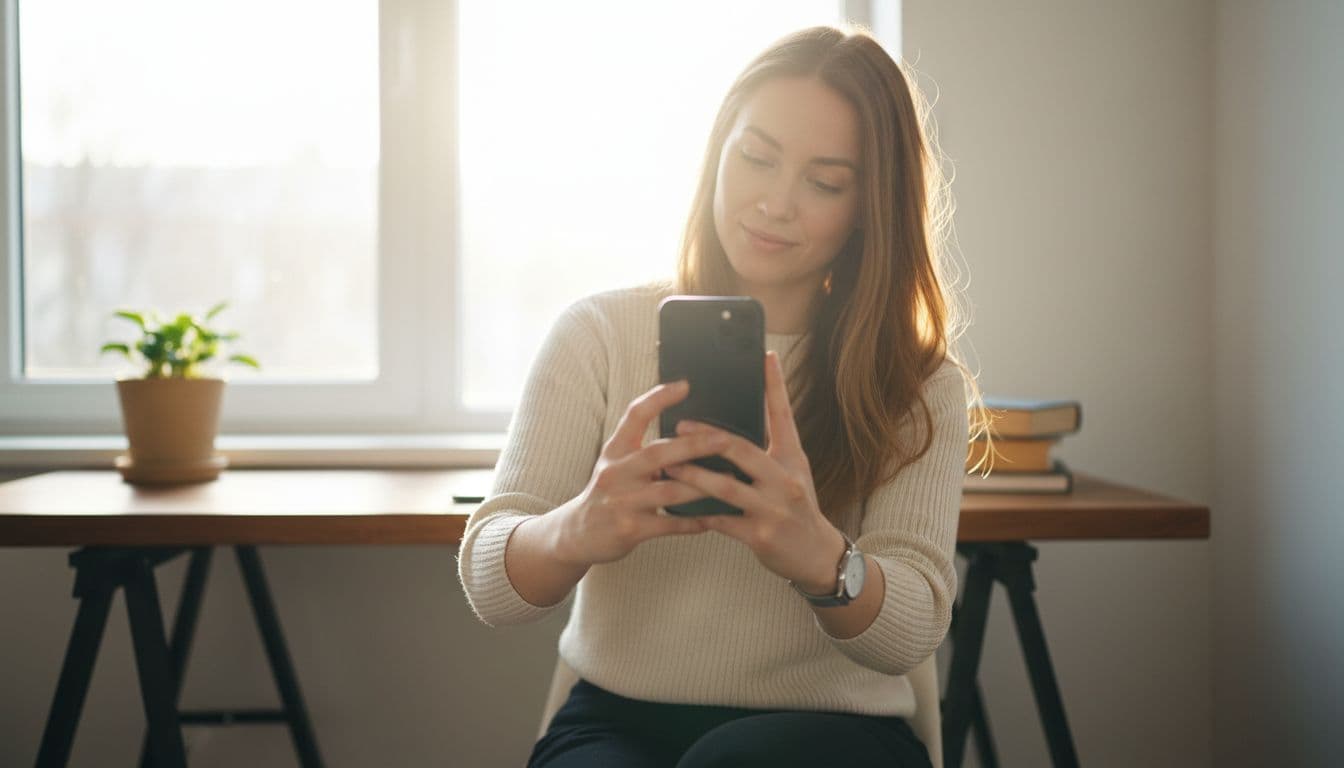
Why Do Consistent Team Headshots Actually Matter?
A mismatched team page is easy to dismiss as a small detail, but the research on first impressions says otherwise. Princeton psychologist Alexander Todorov found that people form judgments about a stranger's trustworthiness and competence from a face in about 100 milliseconds, and extra viewing time mostly just makes people more confident in that snap judgment, not more accurate. A visitor scanning your team page forms an opinion about each person, and about the company as a whole, almost instantly.
When one photo is a crisp studio portrait and the next is a grainy laptop-camera screenshot, that inconsistency reads as a lack of attention to detail, even if the actual work is excellent. Forbes contributor Goldie Chan makes a related point in her piece on why corporate employees need professional headshots: a quality, consistent photo builds personal and organizational credibility, and a warm, approachable image helps people feel comfortable reaching out. Multiply that by every teammate on your LinkedIn company page, and consistent headshots become one of the cheapest brand upgrades a company can make.
The Real Problem: Remote Teams and Mismatched Photos
Distributed teams make this harder, not easier. Nobody is walking into the same studio on the same afternoon anymore. One teammate uploads a five-year-old conference photo, another uses a cropped vacation shot, and a new hire has no photo at all. The team page ends up looking like it was assembled from whatever anyone happened to have lying around, because it was.
This is not just a cosmetic problem. Slack's Remote Employee Experience Index, covered by Axios, found that remote workers' sense of belonging dropped compared with in-office peers, even as their work-life balance and productivity improved. Small, shared rituals matter more when a team is spread out, and a simple thing like everyone appearing in the same style of photo is a low-effort way to make a distributed team visually feel like one team again.
| Style | Best For | What It Looks Like |
|---|---|---|
| Corporate studio | Company website, investor decks | Neutral gray or blue background, soft even light, formal attire |
| Natural light portrait | Startups, creative teams | Warm daylight, softly blurred office or plant background |
| Black and white | Law, finance, academic teams | Timeless monochrome tone, strong but soft contrast |
| Outdoor editorial | Agencies, real estate, sales teams | Blurred outdoor setting, golden hour light, relaxed pose |
Picking One Style Before Anyone Takes a Photo
The single biggest mistake teams make is letting each person choose their own style. One picks corporate studio, another picks a casual outdoor shot, and the set never comes together. Pick the style first, as a team decision, and only then have people generate their individual photos.
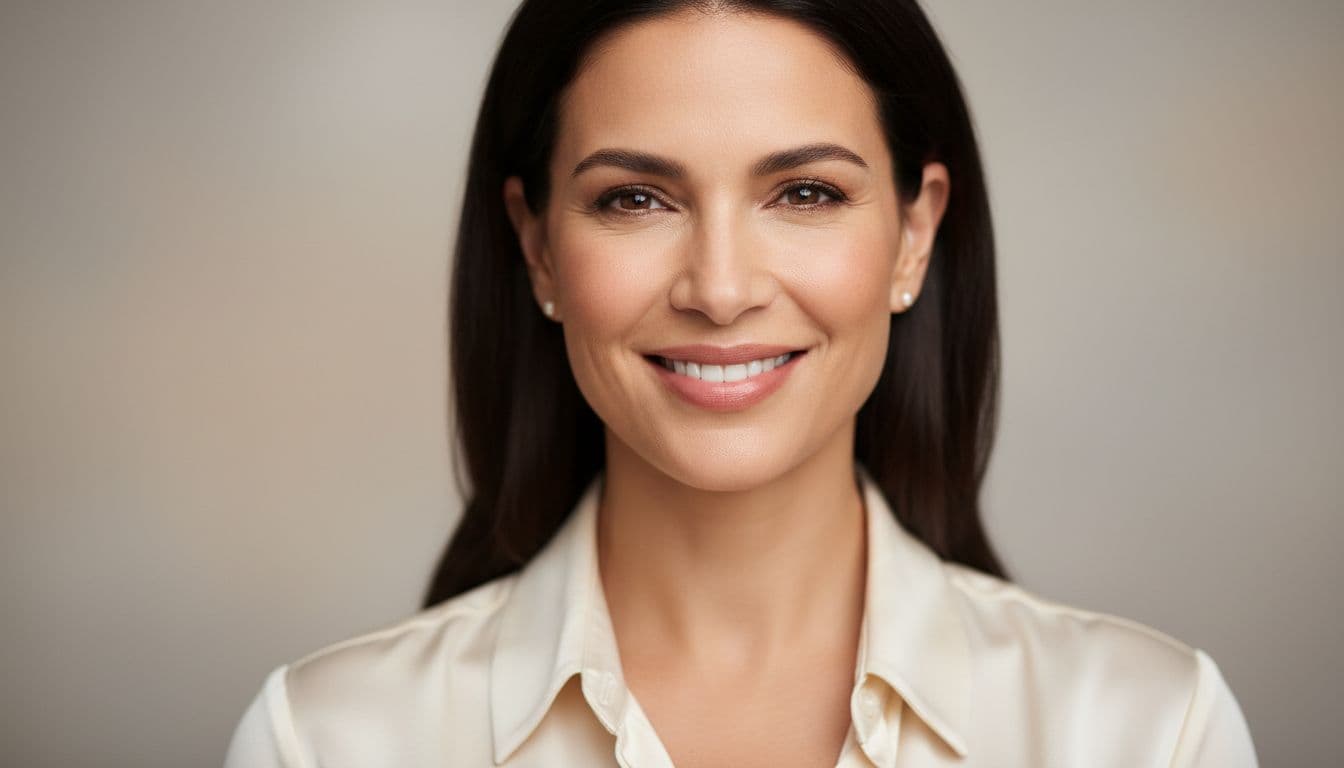
Browsing SelfAI's full library of photo styles together, as a quick team call or a shared link in a group chat, is usually enough to land on one everyone likes. A black and white headshot styleworks well for a law firm or a finance team that wants a timeless, serious look, while a natural light portrait suits a startup that wants to feel approachable. Whatever you choose, write it down in one sentence — background, lighting, crop — and share that sentence with everyone before they upload a single selfie.
How to Roll Out Team Headshots Across a Remote Team
Once the style is agreed, the rollout itself is simple. Here is the order that works for most teams, from a five-person startup to a hundred-person company spread across continents:
- Pick the style together. One message in your team chat with a link and a one-line description of the look.
- Share the selfie basics. Point people to a quick guide on how many selfies to upload for the best results, so nobody submits a single blurry photo and wonders why it did not work.
- Set a soft deadline. A week is usually enough, since each person's part of the process takes about two minutes.
- Collect the results in one folder. Ask everyone to export their chosen photo at the same resolution and file type.
- Do a quick side-by-side check. Before publishing, line the photos up next to each other and confirm the background, tone, and crop genuinely match.
Because each person is doing their own two-minute step from wherever they are, nobody has to fly anywhere, take a day off, or coordinate a shoot around ten different calendars.
Common Mistakes That Break a Consistent Look
- Letting old photos slide through. One outdated headshot next to nine current ones stands out immediately.
- Mixing color and black and white. Pick one treatment for the whole team, not a mix based on personal preference.
- Ignoring crop consistency. A wide shoulders-up crop next to a tight face-only crop breaks the grid on a team page.
- Skipping new hires. A missing photo is more noticeable than an imperfect one, so add new teammates to the same style as soon as they join.
- Forgetting to refresh over time. Update the whole set together every year or two, rather than letting individual photos drift further apart in age and style.
How SelfAI Makes This Easy
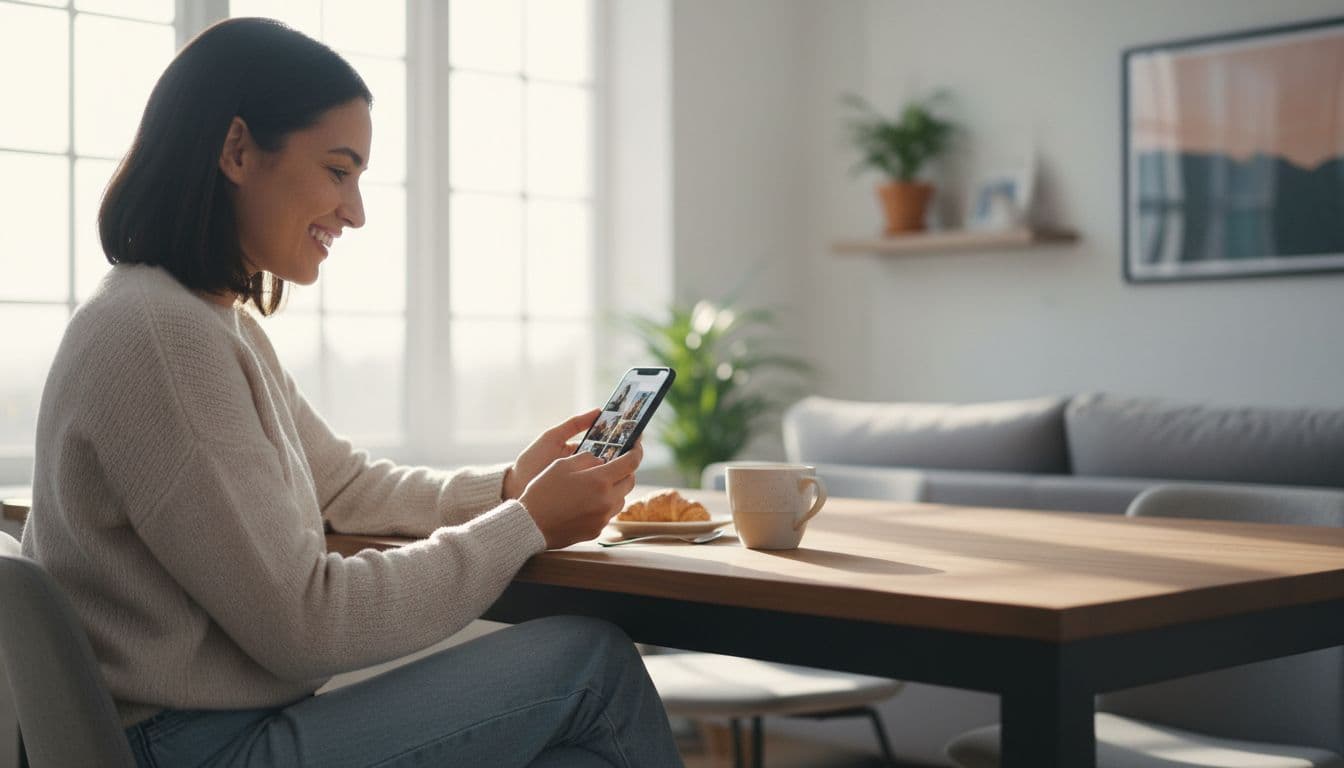
SelfAI - AI Photo Studio is an AI photo app that turns a handful of ordinary selfies into a polished, professional headshot in about two minutes, on iPhone and on the web, which is exactly the kind of tool a distributed team needs to look consistent without a group photo shoot. One teammate picks a style from the app's library, shares the style name with the rest of the team, and everyone else applies that same look to their own selfies. Nobody needs to travel, book a studio, or line up a shared calendar slot.
Because the background, lighting, and framing all come from the chosen SelfAI style rather than from each person's actual room or camera, the results line up cleanly whether someone works from a home office, a co-working space, or a cafe on the other side of the world. For a deeper look at how the underlying AI headshot generator handles likeness, lighting, and speed, that guide breaks down exactly what to look for. Once your team has a shared style, keeping it up to date is as simple as asking new hires to run the same two-minute process.
A team page full of matching, professional photos is a small detail that quietly signals a well-run company, and getting there no longer requires flying a photographer around the world or squeezing an entire team into one studio on one afternoon.
Frequently Asked Questions
How do you get consistent team headshots for a remote team?
The easiest way is to agree on one photo style before anyone takes a picture, then have each person generate their headshot from selfies using that same style. Everyone gets the same background, lighting, and crop without ever being in the same room, so the results look like one coordinated shoot.
What is the best way to do team headshots without a group photo shoot?
An AI headshot app is the best way to skip a group photo shoot. One person picks a style, shares the choice with the team, and everyone uploads their own selfies to get a matching professional photo. There is no studio to book and no schedule to coordinate across time zones.
Should everyone on a team use the exact same headshot style?
Yes, for any page where photos appear side by side, like a company website or a LinkedIn team page. The same style does not mean identical clothing or pose. It means the same background, similar lighting, and the same crop, so the set reads as one cohesive team rather than a collage of unrelated photos.
What background works best for team headshots?
A plain, softly blurred background in one consistent color works best across an entire team, because it hides differences between everyone's home office or camera setup. Neutral gray, soft white, and a blurred studio backdrop are the safest choices, and they keep attention on each person's face.
How much do professional team headshots normally cost?
Booking a photographer for a full team usually runs $100 to $500 per person once travel, scheduling, and retouching are added up, and that cost multiplies fast for a distributed team. An AI headshot app charges a small monthly or one-time fee per person and needs no photographer, studio, or travel budget at all.
Can AI actually generate headshots that match across an entire team?
Yes. Modern AI photo apps apply the same lighting setup, background, and framing to every photo, regardless of where each selfie was taken. Because the style comes from the app rather than a room or a camera, a founder's headshottaken at home looks like it belongs next to a teammate's photo taken across the world.
Written by
Sarah Brunner
Content Writer & Portrait Photography Editor
Sarah writes about professional headshots, personal branding, and how AI is changing the way people present themselves online. She tests every portrait style she recommends and turns what she learns into practical, no-nonsense guides for readers who want photos they actually like.
More articles by SarahReady to Get Your Team on the Same Page?
Download SelfAI and turn everyone's selfies into a matching set of professional headshots in minutes. Free to try on iOS and on the web.