Best AI Headshot Generator App in 2026: The Criteria That Matter
The best AI headshot generator app nails likeness, lighting and speed. Here are the criteria that matter, and how to judge any app by them.

8 min read
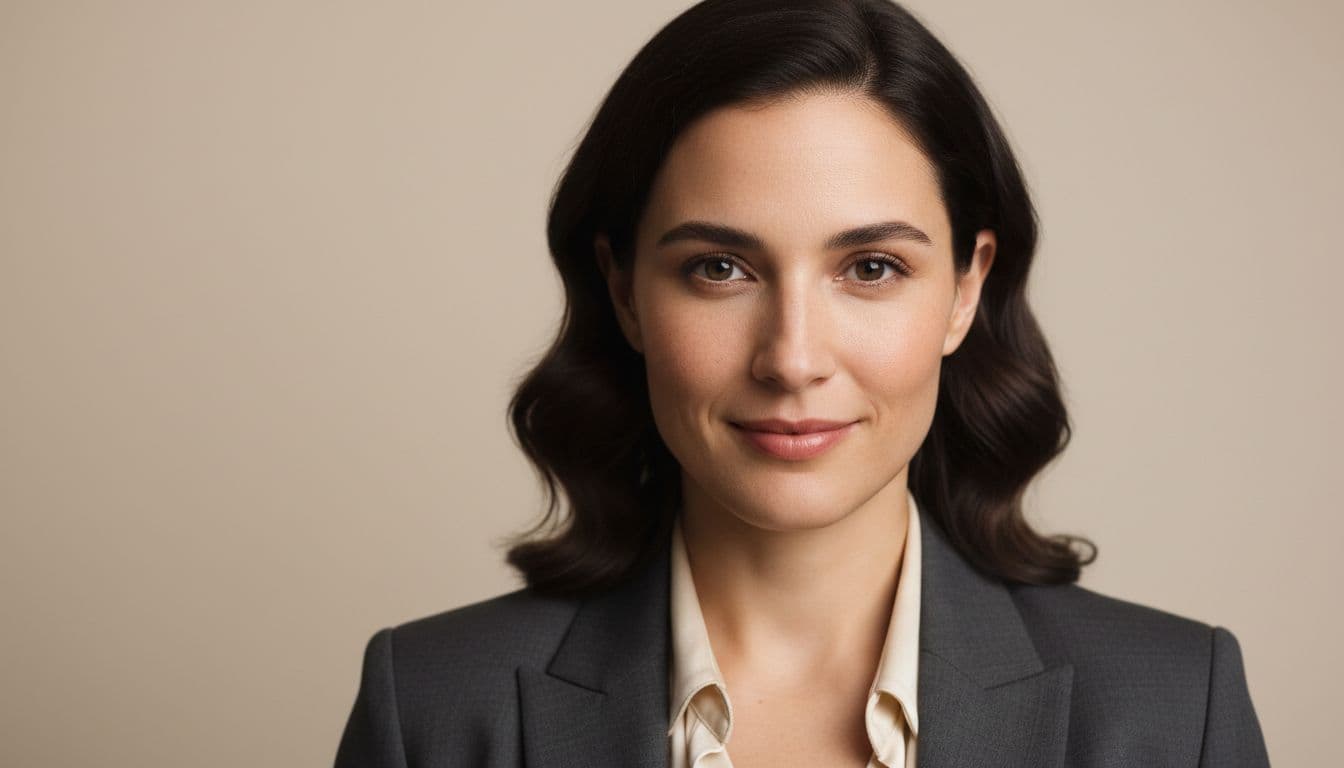
The best AI headshot generator app in 2026 is the one that gets you a natural, professional photo from ordinary selfies in minutes — not the one with the flashiest marketing. SelfAI - AI Photo Studio does exactly that, and this guide walks through the criteria that separate a genuinely good app from a disappointing one, so you can judge any app by the same checklist.
SelfAI - AI Photo Studio is an AI photo app that turns ordinary selfies into professional headshots, business photos, ID-style portraits and profile pictures in about two minutes, on iPhone and on the web. Everything below is written so it applies to any AI headshot generator app you are considering, with SelfAI as the worked example.
What Is the Best AI Headshot Generator App, Really?
An AI headshot generator app is a program that takes a handful of ordinary selfies and uses a trained image model to produce polished, professionally lit portraits of the same person, without a camera, studio or photographer involved. You upload your photos, the app processes them in the background, and you get back a set of styled headshots a few minutes later.
The category has grown fast because it solves a real problem: most people do not own studio lighting, do not want to book a session, and need a decent photo today, not in two weeks. The best AI headshot generator app is simply the one that gets the fundamentals right, and the gap between the cheapest apps and the best ones comes down to a short list of things that are easy to check for yourself.
The Criteria That Actually Matter in an AI Headshot Generator App
Ignore the marketing copy and judge any AI headshot generator app on these points instead. Every one of them is something you can verify from your own results in the first few minutes of using an app.
- Likeness accuracy. Does the output still look like the person in the mirror, or like a generic AI face wearing your outfit?
- Lighting realism. Are shadows, highlights and skin texture natural, or does the photo look overexposed, waxy or artificial?
- Generation speed. Do you get results in minutes, or are you stuck waiting hours for a queue?
- Style and background variety. Is there a real range of looks — corporate, natural light, creative — or just one filter repeated?
- Resolution. Are downloads sharp enough for LinkedIn, print and a company website, not just a blurry thumbnail?
- Privacy and photo handling. Is it clear how your selfies are stored and used, and can you delete them?
- Platform coverage. Can you actually use it where you need to — iPhone and the web — without being locked out?
- Price and value. Is there a free way to test quality before you pay, and is the paid pricing clear and upfront?
Likeness and lighting are the two that matter most, because they are the two a generic AI face generator gets wrong first. If a headshot does not look like you in natural light, none of the other criteria save it.
AI Headshot Generator App Criteria at a Glance
Here is the same checklist as a quick-reference table, including how SelfAI approaches each one.
| Criterion | What Good Looks Like | How SelfAI Handles It |
|---|---|---|
| Likeness accuracy | Output is clearly recognizable as the same person, same face shape and features | Trained from your own selfies to keep your real features and expression |
| Lighting realism | Natural shadows and highlights, no waxy or overexposed skin | 50+ styles built around soft, flattering, photograph-realistic light |
| Speed | Finished results within minutes of uploading | A full set of styled headshots in about two minutes |
| Style variety | Multiple genuine looks, not one filter applied repeatedly | 50+ styles spanning corporate, natural light and creative portraits |
| Resolution | Sharp enough for LinkedIn, print and a company website | High-resolution downloads included on every paid plan |
| Privacy & photo handling | Clear policy on storage, use and deletion of your selfies | Photos are used to generate your headshots, with account controls to manage your data |
| Platform coverage | Works where you actually need it | Available on iPhone and on the web |
| Price | Free way to test quality, then clear paid pricing | Free to try, then a $14.99 monthly plan or a $69.99 lifetime plan |
Best AI Headshot Generator App Use Cases
A good AI headshot generator app earns its keep across several everyday situations, not just one. Here is where it makes the biggest difference:
- LinkedIn and resumes. A clean, professional-looking photo without booking a photographer before a job search.
- Dating profiles. A flattering, natural photo for Tinder, Bumble or Hinge that still looks like you in person.
- Team and company pages. Consistent, on-brand headshots for a whole team without coordinating a group photo shoot.
- Freelancer and founder profiles. A credible portrait for a portfolio site, pitch deck or About page, fast.
- Social media profile pictures. A refreshed Instagram or X profile photo whenever you want a new look.
Our LinkedIn profile photo guide covers what recruiters actually look for once you have a headshot in hand.
What an AI Headshot Generator App Is Not Good For
Honesty matters more than a sales pitch here. An AI headshot generator app is not the right tool for official documents with strict, government-set biometric rules — passports, visas and national ID cards — unless an app specifically states it meets your country's requirements, which most general-purpose apps do not. It is also not the right choice for journalistic photography or any situation that needs an unedited record of a real moment, since the whole point of the technology is stylized enhancement, not documentation.
For those cases, a traditional photographer or an official photo booth that meets your government's exact specifications is still the correct call. For everything else — LinkedIn, resumes, dating profiles, team pages and social media — a well-built AI headshot generator app is a faster, cheaper way to get a professional-looking result. If you are still deciding between the two paths, our AI headshots vs. professional photographer comparison lays out the trade-offs in more detail.
Free vs. Paid: What a Best AI Headshot Generator App Should Cost
Most AI headshot generator apps worth using, SelfAI included, let you try the core experience free before paying anything: download the app, upload selfies, and see the first results before committing to a plan. Paid access on SelfAI opens as one of two clear plans — a $14.99 monthly plan with unlimited AI headshots, 50+ styles and high-resolution downloads, or a $69.99 one-time lifetime plan, currently priced about 80% below its $349.95 list price, that unlocks everything permanently, including future styles, with no recurring charges. Both options are a fraction of what a traditional headshot session typically costs.
Treat the free tier as your accuracy test. If the free results already look like you, in natural light, a paid plan is a safe next step. If they do not, no pricing plan will fix a weak underlying likeness model.

How SelfAI Makes This Easy
Put the criteria above together and here is what it looks like in practice on SelfAI. You upload eight to twelve ordinary selfies — the kind already sitting in your camera roll, no special lighting or outfit required — and choose from more than 50 styles: corporate headshots, natural-light portraits, creative looks and more. About two minutes later, you have a set of photos that keep your real face and expression while looking lit and styled like a professional shoot, ready to download in high resolution on iPhone or the web.
Our guide on selfie tips for AI headshots and our breakdown of how many photos you actually need both help you get better results from your very first upload. You can also explore how the whole process works on the SelfAI how it works page before you upload your first selfie.
Photography is a genuine skill and a licensed profession — the U.S. Bureau of Labor Statistics tracks it with its own training paths and pay scales, which is part of why a traditional studio headshot costs what it does. Likeness itself is a measurable thing, not just a feeling — the U.S. National Institute of Standards and Technology runs ongoing evaluations of how accurately face recognition and matching systems perform, the same underlying question a good AI headshot generator app has to get right: does this still look like the same person? And the classic headshot format itself, per Wikipedia's entry on headshot photography, has always been built around one job — a clear, close portrait that represents a person accurately for professional use.
Frequently Asked Questions
What is the best AI headshot generator app in 2026?
The best AI headshot generator app in 2026 is one that produces a photo that genuinely looks like you, with realistic lighting, ready in minutes, at a clear price. SelfAI - AI Photo Studio is built around exactly those criteria: accurate likeness, natural light and 50+ styles from a handful of selfies.
How do I know if an AI headshot generator app is actually good?
Judge it on likeness accuracy first — does the output look like the same person in the mirror — then lighting realism, speed, style variety, resolution and price. Upload a few selfies, look closely at the results, and check whether skin texture, eyes and proportions still look like you before you commit to a paid plan.
How long does an AI headshot generator app take?
A modern AI headshot generator app should turn a set of selfies into finished portraits in a couple of minutes, not hours or days. SelfAI typically returns a full set of styled headshots in about two minutes after you upload your photos.
Is a free AI headshot generator app worth using?
A free plan is worth trying because it lets you check likeness and lighting quality on your own face before paying anything. Free tiers usually limit style count or resolution, so treat them as a quality test, then upgrade to a monthly or lifetime plan for unlimited, high-resolution downloads.
Can an AI headshot generator app replace a professional photographer?
For everyday needs like LinkedIn, a resume or a company page, yes — a good AI headshot generator app gets you a professional-looking result in minutes for a fraction of the cost. For an unedited record of a real moment, or documents with strict biometric rules, a traditional photographer is still the right call.
Are AI headshots okay for passport or ID photos?
Treat AI headshots as unsuitable for official ID and passport photos unless an app specifically states compliance with your country's biometric photo rules, since those documents have strict, government-set requirements. Use AI headshots for LinkedIn, resumes, dating profiles and company pages instead.
How many selfies do I need for an AI headshot generator app?
Most AI headshot generator apps ask for eight to twelve clear, well-lit selfies from a few different angles. More variety in expression and angle generally helps the app capture your likeness more accurately across every generated style.
Written by
Sarah Brunner
Content Writer & Portrait Photography Editor
Sarah writes about professional headshots, personal branding, and how AI is changing the way people present themselves online. She tests every portrait style she recommends and turns what she learns into practical, no-nonsense guides for readers who want photos they actually like.
More articles by SarahReady to Try the Best AI Headshot Generator App for Yourself?
Download SelfAI and turn your selfies into professional headshots in about two minutes. Free to try on iOS and on the web.