Best AI Photo Editor App for iPhone in 2026
The best AI photo editor app for iPhone turns selfies into professional photos in minutes. See the criteria that matter before you download one in 2026.

9 min read
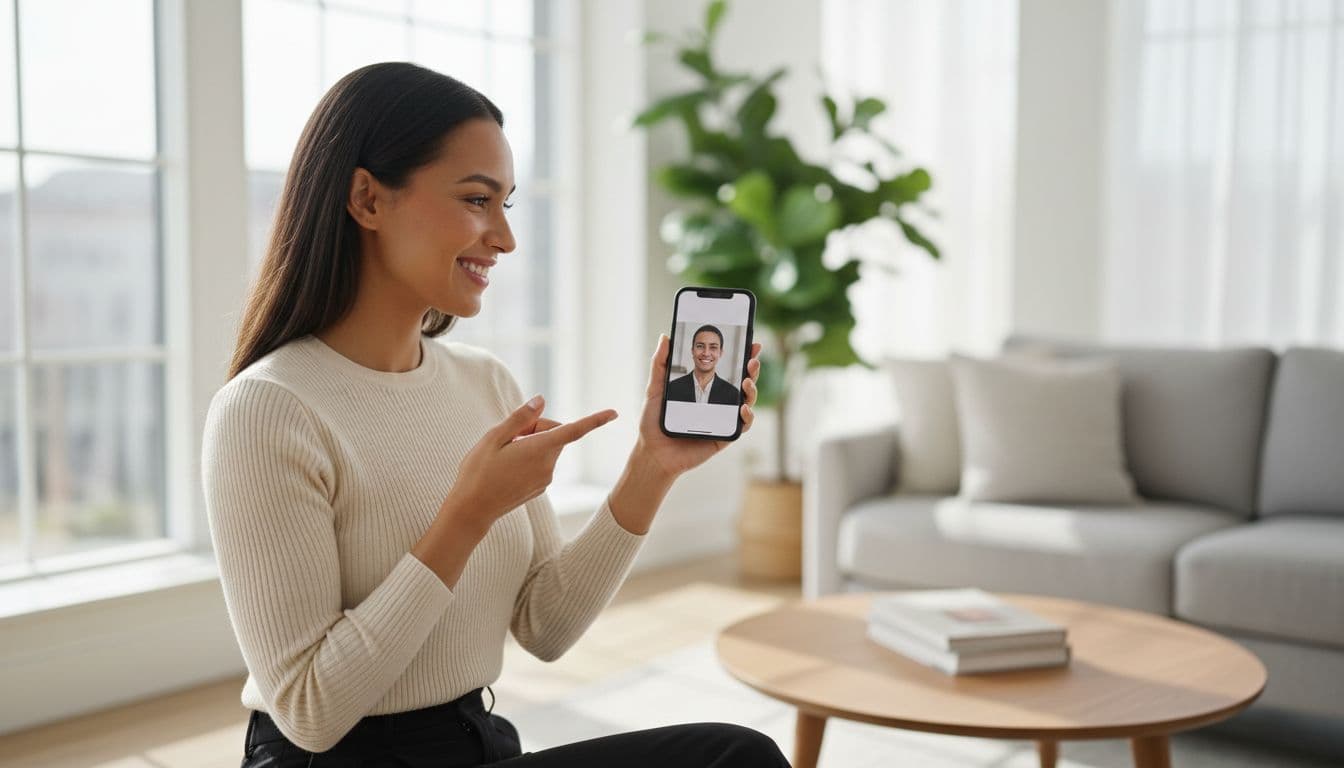
The best AI photo editor app for iPhone is the one that turns a handful of ordinary selfies into a natural, professional-looking photo in a few minutes, not the one that just retouches what you already shot. SelfAI - AI Photo Studio is built to do exactly that, and this guide walks through the criteria that separate a genuinely useful AI photo editor app from a gimmick, so you know what to check before you download anything.
SelfAI - AI Photo Studio is an AI photo app that turns a handful of ordinary iPhone selfies into professional headshots, business photos, and polished profile pictures in about two minutes, right on your phone or the web. Keep that distinction in mind as you read: an AI photo editor app doesn't just clean up an existing picture, it studies your face across several selfies and generates new, professionally lit portraits you never actually took.
What Makes the Best AI Photo Editor App for iPhone?
An AI photo editor app for iPhone is an app that uses artificial intelligence to turn your own selfies into new, polished photos — adjusting lighting, background, and styling while keeping your real face and expression intact. That's different from a filter or a one-tap touch-up; it's closer to a virtual photo session that runs entirely on your phone.
The best ones share a few traits: they keep you looking like you, they light the result like a real studio session, and they hand you a finished, downloadable photo in minutes rather than making you learn editing tools. The sections below break each of those traits into criteria you can actually check.
This kind of tool has quietly become mainstream. According to a 2026 overview from National University's research on AI adoption, 77% of the devices people use every day now include some form of AI, often without users realizing it. Photo editing has followed the same path: automatic touch-ups became normal first, and full AI-generated portraits are the layer on top of that.
iPhone's Built-In AI Editing Tools vs. a Dedicated AI Photo App
iPhone has real AI editing baked into the Photos app, and it's worth understanding what it does and doesn't do before you go looking for a separate app. Apple's Clean Up tool, for example, can remove a distracting object or person from a photo you already took, and it requires an iPhone 15 Pro or newer, or an iPhone 16, running a recent iOS version, according to Apple's own support documentation. That's genuinely useful for tidying up a vacation photo or a group shot.

What the built-in Photos app can't do is generate a photo you never took in the first place. It edits the picture in front of it; it doesn't create a brand-new professional portrait from your selfies. That's the gap a dedicated AI photo editor app like SelfAI fills — instead of touching up one photo, it uses several of your selfies to build entirely new, studio-lit portraits in styles you choose, which is a fundamentally different job than object removal or reframing.
8 Things That Actually Matter in an AI Photo Editor App for iPhone
Once you understand what an AI photo editor app is actually doing, judging one gets much simpler. Here's the checklist worth running through before you commit to any app.
- Likeness accuracy. The result should look unmistakably like you, not a generic AI face wearing your hairstyle.
- Lighting realism. Good apps mimic studio softbox lighting or natural window light — bad ones look flat, over-smoothed, or artificial.
- Number of styles. A wide style library (corporate, natural light, creative, dating, casual) means one set of selfies covers every use you need.
- Speed. A useful app should return results in a few minutes, not require you to wait hours or days.
- Resolution and quality. Photos should be high enough resolution to use on LinkedIn, a resume, or in print, not just a small social-media thumbnail.
- Price and value. Compare what you get — styles, photo count, resolution — against what a traditional photographer session would cost for the same output.
- Privacy and photo handling. Check how the app describes handling and storing your uploaded selfies before you send anything.
- Platform coverage. The best apps work on iPhone and on the web, so you're not stuck editing only from your phone.
AI Photo Editor App Criteria at a Glance
Here's the same checklist as a quick-reference table, with what a genuinely good app looks like for each criterion.
| Criterion | What Good Looks Like | How SelfAI Handles It |
|---|---|---|
| Likeness accuracy | Results are clearly recognizable as you | Trained on 8–12 of your own selfies for a close match |
| Lighting realism | Looks like a real studio or natural-light shoot | Multiple lighting styles, from softbox to daylight |
| Style variety | Covers professional, casual, and creative needs | More than 50 styles from one set of selfies |
| Speed | Minutes, not hours or days | Full photo set ready in about two minutes |
| Resolution | Sharp enough for LinkedIn, résumés, and print | High-resolution downloads on every plan |
| Price | A fraction of a traditional photographer session | Free trial, then from $14.99/month or $69.99 lifetime |
| Platform coverage | Works wherever you actually are | Native iPhone app plus a full web app |
Best Uses for an AI Photo Editor App on iPhone
The most common reason people open an AI photo editor app is to solve one specific problem: they need a good photo of themselves and don't have one on hand. A few situations come up again and again.

- LinkedIn and professional profiles. A clean, well-lit headshot is one of the highest-impact photos you can update, and see our full LinkedIn profile photo guide for what recruiters actually look for.
- Resumes and job applications. Some industries and countries still expect a photo on a résumé or application; an AI photo editor app gets you a professional one without booking a session.
- Company and team pages. Getting a whole team into matching, consistent headshots without hiring a photographer for everyone is one of the fastest-growing uses.
- Dating profiles. Natural, well-lit photos that still look like you tend to perform better than blurry group shots or old vacation photos.
- Social media and messaging avatars. A sharper, better-lit profile picture is an easy upgrade for Instagram, WhatsApp, or any app where your face is the first thing people see.
What an AI Photo Editor App Can't Replace
A good AI photo editor app is honest about its limits, and so is this guide. There are a few situations where it isn't the right tool. Passport, visa, and other government ID photos follow strict, country-specific rules on background, expression, and head position — our guide to AI passport photo appscovers the 2026 rules in detail, but always confirm the exact requirements with your local passport office before submitting any photo. Journalistic or documentary photography, where the point is capturing an unedited real moment, isn't what these apps are built for either. And if you need a literal, unedited record of a specific event exactly as it happened, that calls for a real photo taken on the day, not a generated one.
Outside of those specific cases, an AI photo editor app is a strong fit for anywhere a polished, professional-looking photo of you is the goal rather than documentation of a specific moment.
SelfAI Pricing: What You Actually Pay
Pricing is one of the clearest ways to compare AI photo editor apps, so here's exactly what SelfAI charges, with no hidden tiers. A free trial lets you generate a first set of photos and judge the quality on your own face before spending anything. From there, a monthly plan is $14.99 and unlocks unlimited generations across every style. A lifetime plan is a one-time $69.99 — about 80% off the $349.95 list price — and removes the subscription entirely. Not sure the free trial is enough for what you need? Our breakdown of free vs. paid AI photo apps walks through exactly when it is worth upgrading.

Set next to a traditional headshot session, which our own buyer's guide to the best AI photo app breaks down in more detail, the math is straightforward: a single photographer sitting can easily cost several hundred dollars for one look, while a lifetime AI photo editor app plan covers dozens of styles for a fraction of that, with no studio to book and no calendar to work around. That value is a big reason AI-generated photos are now one of the most common everyday uses of artificial intelligence, according to Forbes' reporting on AI trends.
How SelfAI Makes This Easy
Put the criteria above together and here's what it looks like in practice. Open SelfAI on your iPhone or in the web app, and upload eight to twelve ordinary selfies — the kind already sitting in your camera roll, no special lighting or outfit required. Pick from more than 50 styles, covering corporate headshots, natural-light portraits, and creative looks, and knowing how many photos actually help makes the results even better.
About two minutes later, you have a full set of high-resolution photos that keep your real face and expression while looking lit and styled like a professional session. There's nothing to learn and nothing to configure — it's the fastest way to go from a handful of selfies to a photo you'd actually want to use.
The Bottom Line
The best AI photo editor app for iPhone isn't the one with the most filters — it's the one that keeps you looking like you, lights the result convincingly, and gets it done in minutes at a price that makes sense. iPhone's own AI tools are great for quick fixes to a photo you already have; a dedicated app like SelfAI is what you reach for when you need a brand-new professional photo, and don't have a photographer, a studio, or a spare afternoon to spend getting one.
Frequently Asked Questions
What is the best AI photo editor app for iPhone in 2026?
The best AI photo editor app for iPhone in 2026 is the one that turns a handful of ordinary selfies into a natural, professional-looking photo in a few minutes, without needing editing skills. SelfAI - AI Photo Studio does exactly that, with more than 50 styles built for iPhone and the web.
How is an AI photo editor app different from the iPhone's built-in editing tools?
The iPhone's Photos app can remove distracting objects and make small touch-ups to a photo you already took. An AI photo editor app like SelfAI goes further: it studies several of your selfies and generates brand-new, professionally lit portraits you never actually photographed.
How much does a good AI photo editor app cost?
Most AI photo editor apps let you try a set of photos for free, then charge for full access. SelfAI's paid plans start at $14.99 a month, with a lifetime plan at $69.99 — about 80% less than most individual photographer sessions cost for far more usable photos.
Is it safe to upload selfies to an AI photo editor app on iPhone?
It's safe with a reputable app that is clear about how your photos are processed and stored. Before uploading selfies anywhere, check the app's privacy policy, use official App Store listings, and avoid apps that are vague about what happens to your images after editing.
Can an AI photo editor app create a photo for LinkedIn or a resume?
Yes. A good AI photo editor app can generate a polished headshot for LinkedIn, a resume, or a company team page from ordinary selfies, with natural lighting and a clean background. It's one of the most common uses for this type of app in 2026.
Does an AI photo editor app work for passport or ID photos?
Some AI photo apps offer ID-style photo formats, but passport and visa photos follow strict government rules on background, expression, and head position that vary by country. Always verify the exact requirements with your local passport office before submitting any photo, AI-edited or not.
How long does it take to get photos from an AI photo editor app?
Most modern AI photo editor apps deliver a full set of edited photos in about two minutes once you've uploaded your selfies. That's dramatically faster than booking a photographer, which usually involves scheduling a session and waiting days for the edited images.
Written by
Sarah Brunner
Content Writer & Portrait Photography Editor
Sarah writes about professional headshots, personal branding, and how AI is changing the way people present themselves online. She tests every portrait style she recommends and turns what she learns into practical, no-nonsense guides for readers who want photos they actually like.
More articles by SarahReady to Try the Best AI Photo Editor App for iPhone?
Download SelfAI and turn your selfies into stunning professional photos in minutes. Available free on iOS and Web.