AI Passport Photo App: How It Works in 2026
An AI passport photo app can size, crop and light a selfie in minutes, but many governments now reject AI-edited passport photos. Here's what to know first.

9 min read
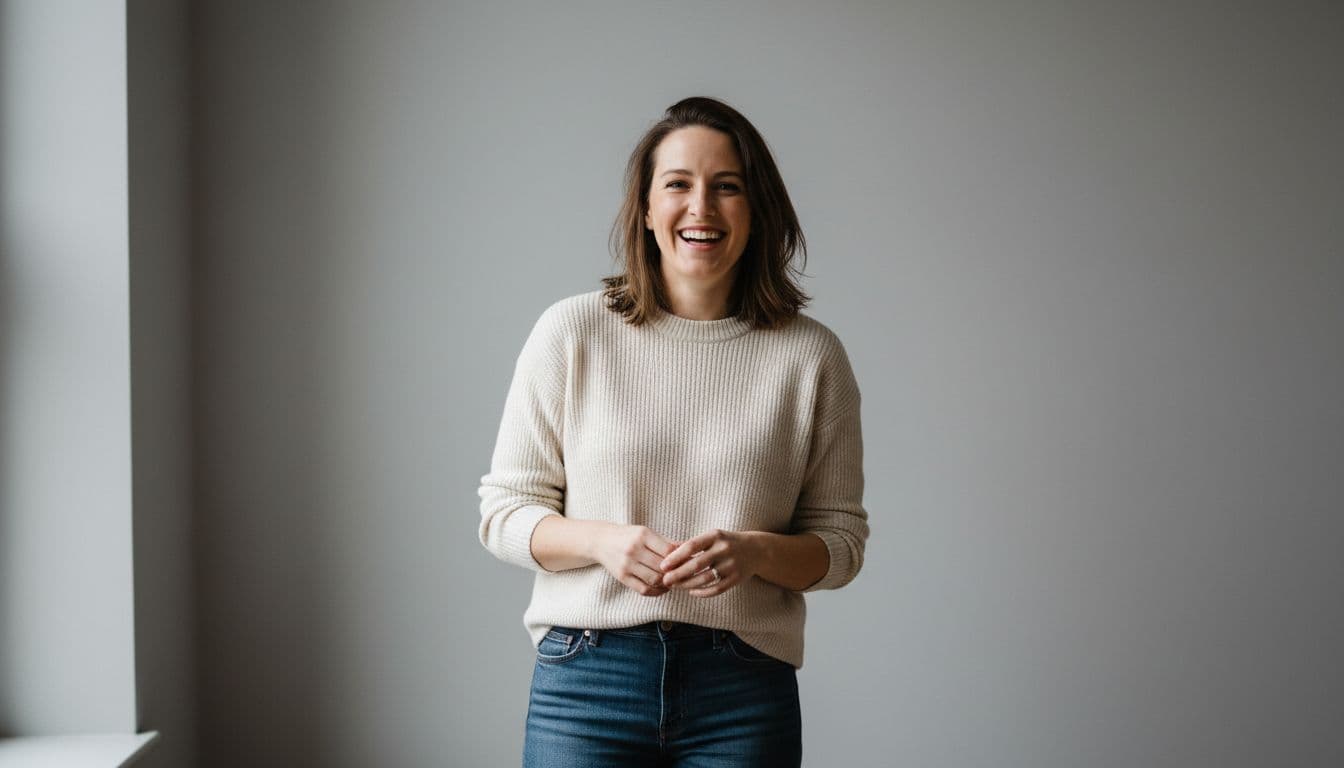
An AI passport photo app turns an ordinary selfie into a photo sized, cropped and lit like an official ID photo in about two minutes.SelfAI - AI Photo Studio is an AI photo app that does exactly that, turning selfies into passport-style, professional and profile photos on iPhone and the web — but if you are applying for an actual government passport or visa, there is one 2026 rule that changes how you should use it.
Passport photo rules have gotten stricter this year. Several governments, including the United States, now explicitly reject photos that have been edited or generated with artificial intelligence, and check submissions for it. This guide explains what an AI passport photo app actually does, where it is genuinely useful, and — just as importantly — when you should not use one.
What Is an AI Passport Photo App?
An AI passport photo app is a tool that uses artificial intelligence to turn a regular selfie into a photo that matches the size, background and pose rules used for passport, visa and ID photos.Instead of booking a photo counter or setting up a tripod and a plain sheet at home, you upload one or more selfies, and the app adjusts the background, crop, framing and lighting to match standard ID-photo rules — typically a plain background, a centered head position, even lighting and a neutral expression.
That is a genuinely useful thing for an app to do well, and it is different from a walk-in photo booth or a photo counter at a pharmacy: there is no appointment, no line, and no charge per sitting beyond the app itself. You can see the full set of SelfAI's styles and featuresbefore you upload anything. The part that trips people up is what happens next — whether that photo can actually be submitted for an official document. That is covered in detail below.
What Makes a Passport or ID Photo Compliant
Rules vary by country, but most passport and government ID photo requirements come down to the same handful of things. Here is what reviewers actually check.
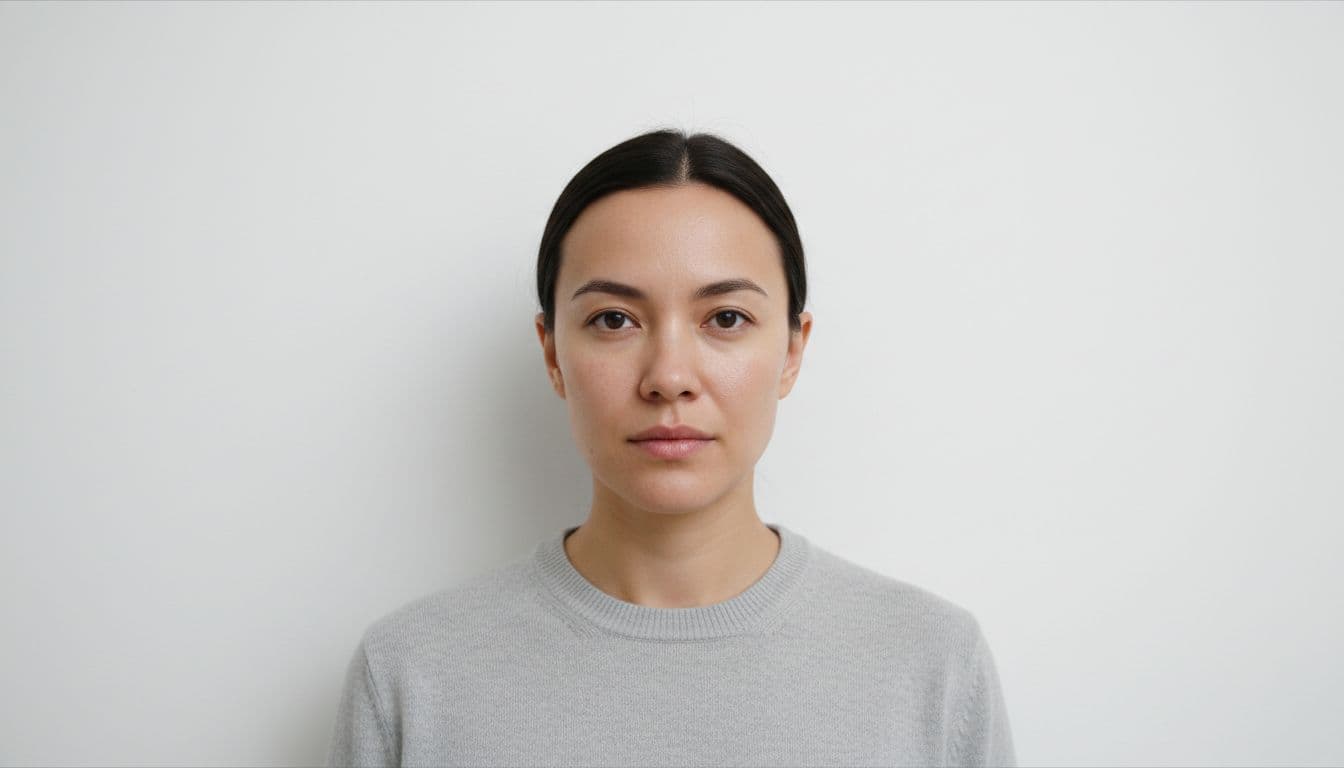
- Background. A plain white or light gray background, free of shadows, patterns or objects.
- Head size and position. The head centered and sized within a set range — for a U.S. passport, that is 1 to 1 3/8 inches from chin to top of head inside a 2 x 2 inch photo.
- Expression. A neutral expression with the mouth closed, both eyes open, and no exaggerated expressions.
- Lighting. Even, shadow-free light across the face and background, without flash glare or harsh shadows.
- Recency. Taken within the last six months in most countries, so it reflects your current appearance.
- Resolution. Sharp enough to print at the required size without blurring or pixelation.
- No digital alterations. No filters, retouching, or — as of 2026 — AI-based edits on the photo you actually submit. More on this below.
Passport Photo Criteria at a Glance
The table below lines up what a compliant photo needs against how a tool like SelfAI handles each part of the process.
| Criterion | What's Required | How SelfAI Helps |
|---|---|---|
| Background | Plain white or light gray, no shadows or objects | Replaces any background with a clean, even one automatically |
| Head position | Centered and sized to the required range | Crops and centers the head to standard ID-photo proportions |
| Expression | Neutral, mouth closed, eyes open | Uses your actual expression from the selfie you choose |
| Lighting | Even, shadow-free light on face and background | Applies soft, even lighting instead of a flash-lit selfie look |
| Speed | Available without booking an appointment | Photo ready in about two minutes from your own phone |
| Resolution | Sharp enough to print at the required size | High-resolution downloads on every plan |
| Official acceptance | Set entirely by your government, not by any app | Not guaranteed — see the rule below before you submit anything |
The 2026 Rule Most People Miss: AI-Edited Photos Are Being Rejected
This is the part worth reading carefully. According to the U.S. Department of State's official passport photo requirements, the agency states plainly that it checks submitted photos to confirm applicants have not used artificial intelligence tools. The government's own Foreign Affairs Manualgoes further, stating that "digital manipulation and/or retouching of the facial image on photographs is not acceptable," a rule that explicitly covers AI tools and social-media filter apps alike, with no listed exceptions.
In practice, that means an AI-generated or AI-edited photo — even a very realistic one — is not something you should submit for a U.S. passport or visa application. Other governments are tightening their own rules in similar directions as AI photo editing has become mainstream, so the safest approach anywhere is the same: always check your own country's current, official passport photo requirements before you apply, and never assume an AI-generated photo will be accepted just because it looks compliant.
Where This Kind of App Is Actually Useful
None of this means a tool like SelfAI is pointless for passport-style photos — it just means the use case is narrower than the name suggests. Here is where it genuinely helps.
- Previewing your photo before an official appointment. See what a plain-background, correctly framed, neutrally lit photo looks like on you before you take (or pay for) the real, unedited photo you will actually submit.
- ID-style photos that are not government documents. Employee badges, company directories, school ID cards, gym or club membership cards, and professional certification photos typically do not carry the same government-enforced, AI-detection rules that passports and visas do.
- Every other professional or personal photo need. LinkedIn, resumes, dating profiles, team pages and social media all welcome a polished AI-generated photo, since none of them run the same biometric compliance checks a passport office does.
If you are weighing an AI photo app against other options for these everyday uses, our broader guide to the best AI photo app in 2026 covers the criteria that matter beyond the passport-specific rules above.
What SelfAI Costs
SelfAI is free to try, so you can see the quality on your own face before paying anything. Paid access opens as one of two plans: $14.99 a month for unlimited AI photos, 50+ styles and high-resolution downloads, or a one-time $69.99 lifetime plan — currently about 80% off its $349.95 list price — that unlocks everything permanently with no recurring charges. Either plan costs a fraction of what a traditional photographer charges for a studio headshot session, which typically runs $100 to $500. For a closer look at what free and paid AI photo apps typically include, see our guide on free vs. paid AI photo apps.
How SelfAI Makes This Easy
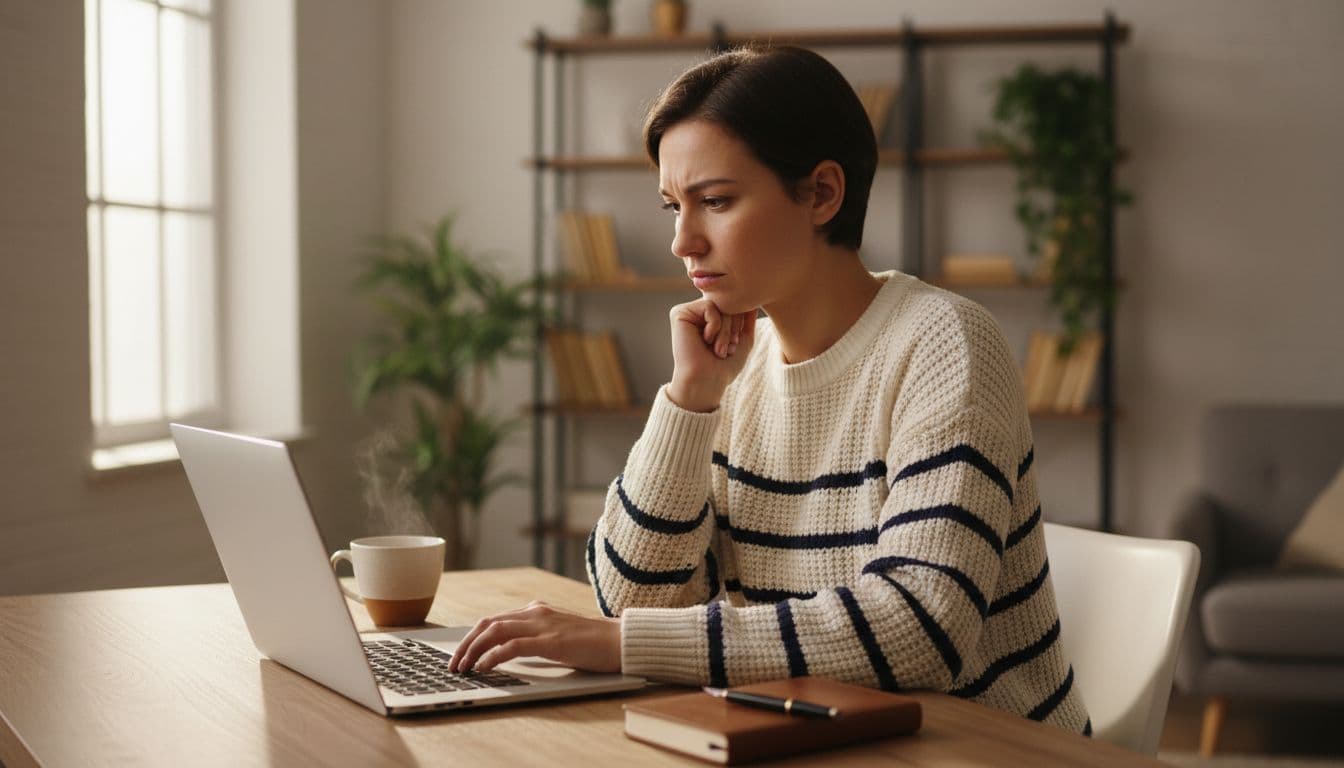
Open SelfAI, upload a handful of ordinary selfies — the kind already on your phone, no special outfit or lighting required (see our tips for choosing the best selfiesif you want sharper results) — and choose a clean, plain-background style. About two minutes later you have a photo with the size, framing and even lighting that ID-style photos need, ready to preview, print for a non-government badge or card, or simply keep on hand while you plan your actual passport appointment. SelfAI also generates dozens of other styles from the same selfies — corporate headshots, natural-light portraits and dating photos among them — so the same upload covers far more than just the ID-style look.
An AI passport photo app like SelfAI is a fast, affordable way to get a clean, professional-looking photo in minutes — just save your actual passport or visa submission for an unedited photo that follows your government's current rules to the letter.
Frequently Asked Questions
What is the best AI passport photo app in 2026?
The best AI passport photo app in 2026 is one that is upfront about a key limit: many governments, including the United States, now reject AI-edited photos for official passport and visa applications. SelfAI - AI Photo Studio generates passport-style, plain-background photos from your selfies in about two minutes, and is best used for previews and non-government ID photos rather than an actual passport submission.
Can I use an AI-generated photo for my official passport or visa application?
In most cases, no. As of 2026, the U.S. Department of State explicitly checks passport photos to confirm applicants have not used artificial intelligence tools or digital filters, and rejects photos that have been altered this way. Other governments are adding similar rules. Always use an unedited photo and check your country's current requirements before applying.
How does an AI passport photo app work?
An AI passport photo app analyzes a selfie and adjusts the background, cropping, framing and lighting to match standard ID photo rules, such as a plain background, centered head position and even lighting. You upload one or more selfies, and the app returns a photo sized and formatted like a passport or ID photo within a couple of minutes.
What size and background does a passport photo need?
Requirements vary by country, but a U.S. passport photo must be 2 x 2 inches with the head measuring 1 to 1 3/8 inches from chin to top, on a plain white or off-white background, taken within the last six months with a neutral expression and no head covering except for religious reasons.
Is it safe to upload my selfie to an AI passport photo app?
A reputable AI photo app only uses your uploaded selfies to generate your own requested photos and does not share them with third parties. SelfAI processes selfies to create the photos you ask for and does not use them for anything else. Still, always check any app's privacy practices before uploading a photo of your face.
What is an AI passport photo app actually useful for, if not official passports?
It is useful for previewing a compliant-looking photo before an official appointment, and for ID-style photos that are not government documents, such as employee badges, school ID cards, membership cards and professional certification photos. These do not carry the same strict, government-enforced rules that passports and visas do.
How much does an AI passport photo app cost?
SelfAI is free to try, so you can see the quality before paying anything. Paid access is either a $14.99 monthly plan with unlimited photos and 50+ styles, or a one-time $69.99 lifetime plan, about 80% off its $349.95 list price, that unlocks everything permanently with no recurring charges.
Written by
Sarah Brunner
Content Writer & Portrait Photography Editor
Sarah writes about professional headshots, personal branding, and how AI is changing the way people present themselves online. She tests every portrait style she recommends and turns what she learns into practical, no-nonsense guides for readers who want photos they actually like.
More articles by SarahReady to Try SelfAI?
Download SelfAI and turn your selfies into clean, professional ID-style photos in minutes. Free to try on iPhone and Web.