Is It OK to Use an AI Headshot on LinkedIn?
Is it OK to use an AI headshot on LinkedIn? The honest etiquette: when it works, when to disclose it, and how to get one that still looks like you.

9 min read

Short answer: yes, it is OK to use an AI headshot on LinkedIn, as long as it still looks like you.LinkedIn's own guidelines require a profile photo to represent the real person behind the account, and most recruiters say they only mind when a photo looks obviously fake or unrecognizable in person.
That still leaves a real etiquette question, though: when does an AI photo help you, when should you think twice, and do you owe anyone a disclosure? This guide answers all three in plain terms, using LinkedIn's own policy and recent recruiter survey data rather than guesswork.
What Counts as an AI Headshot on LinkedIn
An AI headshot on LinkedIn is a profile photo created or enhanced by an AI photo app from a set of your own selfies, rather than shot by a photographer with a studio camera. The app studies your face across several photos and generates a new, polished portrait — better lighting, a clean background, professional styling — while keeping your actual features intact.
That is different from an AI-generated avatar or a fully synthetic face that does not correspond to a real person. The etiquette question in this guide is specifically about the first kind: a real photo of you, improved by AI, not a stand-in for you.
Why So Many Professionals Are Doing It
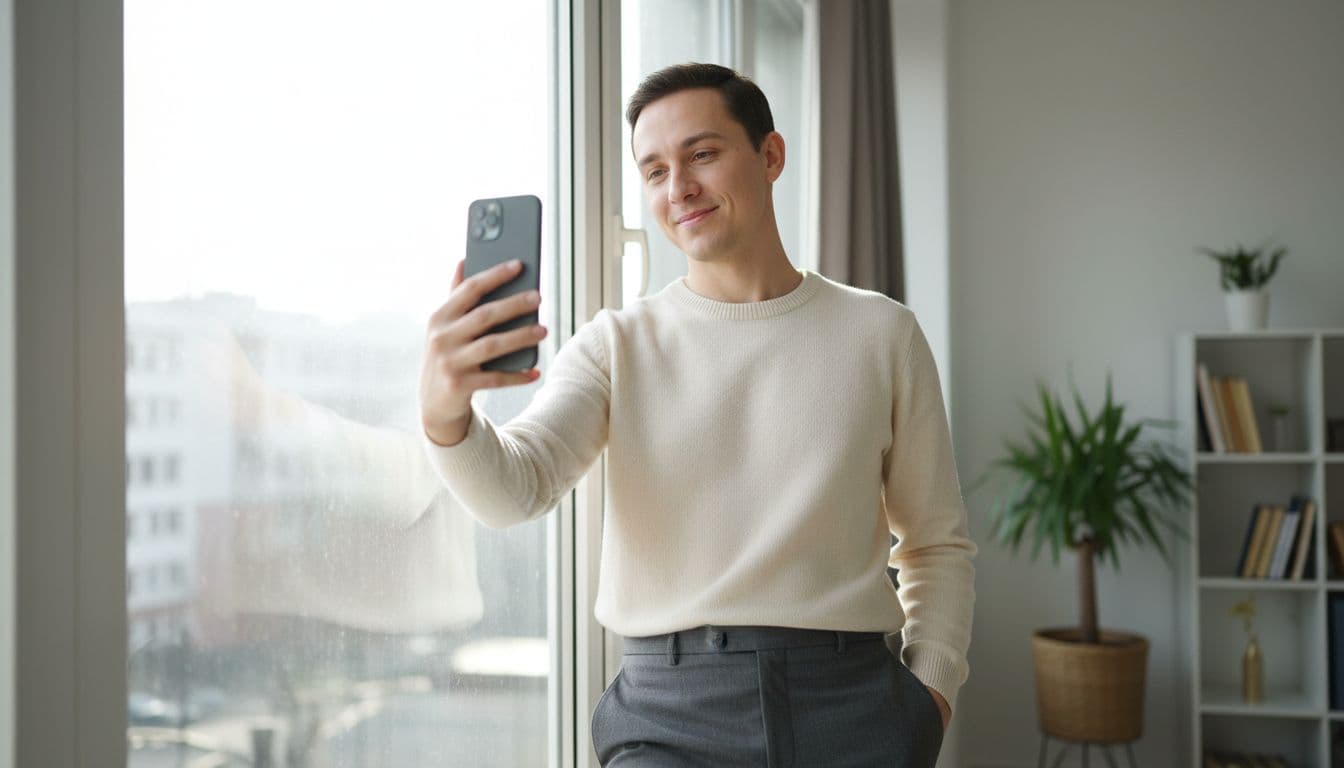
The photo itself matters more than most people think. LinkedIn reports that profiles with a photo get up to 21 times more views and 36 times more messages than profiles without one. A blank avatar or a blurry vacation photo is a much bigger liability than a well-made AI headshot.
At the same time, not everyone has $200 or a free weekday afternoon for a studio session. An AI photo app closes that gap: you upload a handful of existing selfies, and in a couple of minutes you have a set of polished, professional-looking options to choose from, at a fraction of a photographer's price.
When an AI Headshot Is a Smart Choice for LinkedIn
An AI headshot tends to work well in these situations:
- You are job hunting on a deadline. Booking a photographer can take a week or two; an AI headshot is ready the same day.
- You need several looks. One set of selfies can produce a corporate look, a startup-casual look, and an industry-specific style, without rebooking a shoot.
- Your current photo is years old. An outdated photo sets the wrong expectation before you even say hello. A fresh AI headshot from recent selfies fixes that instantly.
- You are building a personal brand on a budget. Founders, freelancers, and students often need a professional photo before they have a professional photo budget.
- Your whole team needs matching photos. Getting a distributed or remote team into one studio is often impossible; AI headshots give everyone the same polished look from their own selfies.
When to Think Twice Before Using One
Honesty matters here too. An AI headshot is not the right tool for every situation:
- Official ID or biometric documents. A LinkedIn photo can be AI-enhanced, but a passport or visa photo has strict, government-verified requirements — do not use an AI headshot there unless the issuing authority explicitly accepts it.
- Journalistic or on-air work. Roles where the photo itself is treated as a factual record, such as a byline photo or a broadcast profile, call for an unedited photo.
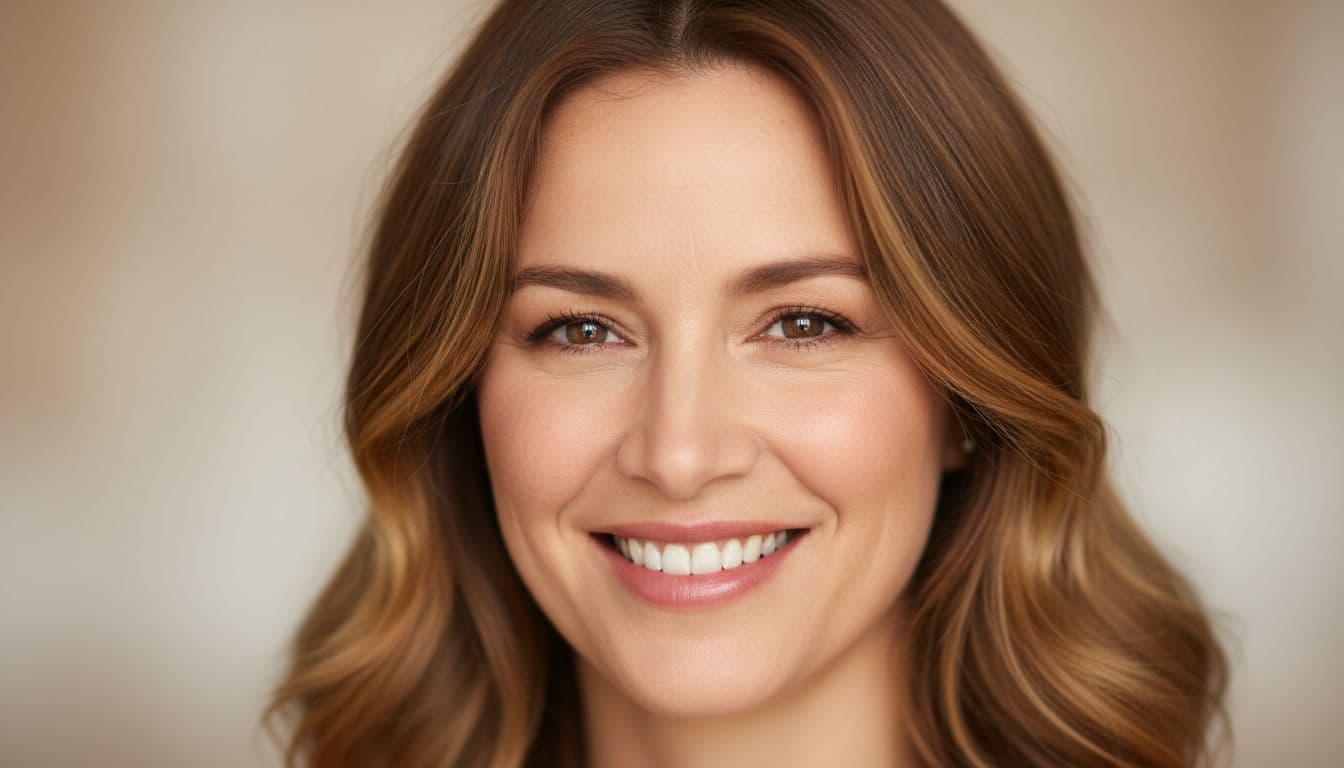
- Heavily stylized results. A dramatically airbrushed or cinematic-filter look reads as fake at a glance, and that is exactly what recruiters say they dislike most (more on that below).
- A photo that no longer looks like you. If a coworker would not recognize you from it, it is doing more harm than good, regardless of how it was made.
None of these are reasons to avoid AI headshots altogether — they are reasons to pick a natural style and a recent set of selfies, which is exactly what the checklist later in this guide covers.
Should You Disclose That Your Photo Is AI-Generated?
This is the real etiquette question, and the data is more reassuring than most people expect. A recruiter survey reported by TechRadarfound that 74.4% of recruiters are more likely to interview a candidate who includes a headshot at all, and 76.5% said they preferred a polished AI-enhanced headshot over a lower-quality real one. The same survey found recruiters could only correctly spot an AI-generated headshot about 39.5% of the time — close to a coin flip.
The friction shows up around transparency, not the technology itself: 88% of recruiters in that survey said AI headshots should be disclosed on request, and 66% said they would be put off if they recognized an undisclosed AI headshot that looked noticeably unlike the candidate. LinkedIn itself does not require a disclosure label on an AI-enhanced photo of yourself. The practical takeaway: you do not need a badge on your profile picture, but if a recruiter or hiring manager asks, say plainly that you used an AI photo app to turn your own selfies into a polished headshot. That single sentence resolves almost all of the concern recruiters actually have.

What LinkedIn's Own Photo Guidelines Actually Say
It helps to go straight to the source instead of guessing. LinkedIn's profile photo guidelines center on one requirement: your photo has to look like the person using the account. LinkedIn is protecting against impersonation and fake accounts, not policing which app you used to edit your photo.
In practice, that means an AI headshot made from your own recent selfies is squarely within the rules, while a fully synthetic face, a stock photo, or a photo of someone else is not. If you keep your AI headshot recognizably you, you are working with LinkedIn's policy, not around it.
How to Pick an AI Headshot That Still Looks Like You
Most of the etiquette concerns above come down to one thing: does the photo still look like you? Here is a simple checklist to run through before you set it as your profile photo.
| What to Check | Why It Matters | Good Sign |
|---|---|---|
| Likeness | Recruiters and connections should recognize you in person | Same face shape, eye color, and skin tone as your real photos |
| Lighting and skin texture | Over-smoothed, airbrushed skin is what makes a photo read as fake | Visible natural texture, soft realistic highlights, no plastic sheen |
| Recency | An outdated look, AI or not, sets the wrong first impression | Generated from selfies taken in the last six to twelve months |
| Styling | A look styled for a dating app or a fantasy filter looks out of place on LinkedIn | Business or business-casual attire, plain or softly blurred background |
| Resolution | A blurry or pixelated photo undercuts an otherwise strong profile | Sharp at full size, at least 400×400 pixels |
Run your shortlist of AI headshot options past someone who knows you, and pick the one they say looks most like you on a normal day — not the most dramatic or most retouched option. For more on getting a natural result, see our guide to taking better selfies for AI headshots.
How SelfAI Makes This Easy
SelfAI - AI Photo Studio is an AI photo app that turns a handful of ordinary selfies into a natural, professional headshot for LinkedIn, resumes, and other profiles in about two minutes, on iPhone and on the web. Because it works from your own recent photos rather than a generic template, the result keeps your real face shape, skin tone, and expression — the exact likeness checklist above, handled automatically.
You get dozens of styles to choose from, including corporate looks, natural-light portraits, and industry-specific styles, so you can pick a natural option instead of a heavily stylized one. If your team needs matching photos, everyone can generate their own from their own selfies and land on a consistent look without a group photo shoot. For a closer look at how the process compares to booking a photographer, see our guide on AI headshots vs. a professional photographer, and if you want the criteria for judging any AI headshot app before you commit to one, our breakdown of what makes a good AI headshot generator app covers exactly that.
The Bottom Line
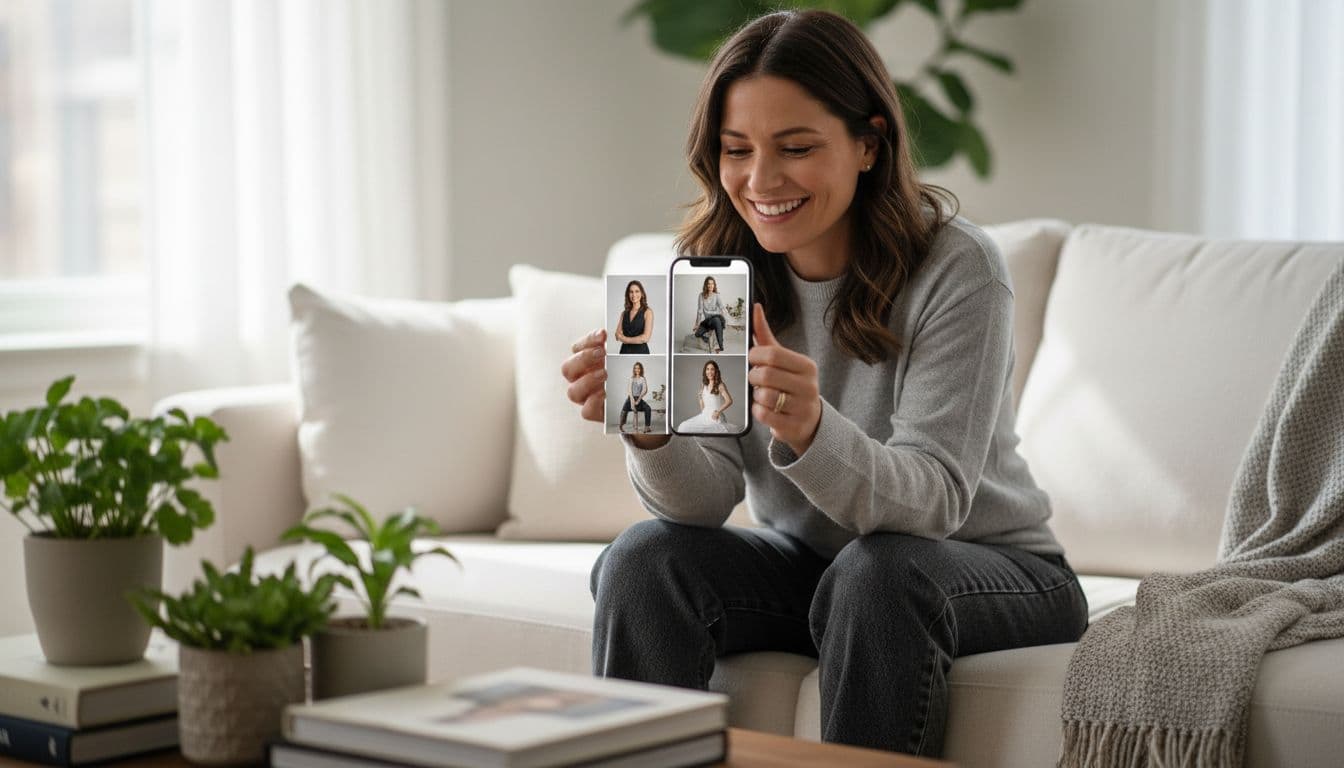
Using an AI headshot on LinkedIn is not a shortcut you need to feel awkward about. It is OK by LinkedIn's own rules, it is preferred by most recruiters over a low-quality real photo, and it is barely detectable when it is done well. The etiquette that actually matters is simple: start from your own recent selfies, choose a natural style over a heavily stylized one, and be upfront if anyone asks how you got the photo. For everyday LinkedIn use, that is the whole standard — and our full LinkedIn profile photo guide covers the rest of what makes a photo work once it is live on your profile.
Frequently Asked Questions
Is it OK to use an AI headshot on LinkedIn?
Yes, it is generally OK to use an AI headshot on LinkedIn as long as it still looks like you. LinkedIn requires profile photos to represent the real person behind the account, and most recruiters only object when a photo looks obviously fake, over-stylized, or unrecognizable in person.
Do I need to disclose that my LinkedIn photo is AI-generated?
LinkedIn does not require a disclosure label for an AI-enhanced photo of yourself, but many recruiters say they would appreciate the transparency. If you are ever asked directly, the honest answer is simple: you used an AI photo app to turn your own selfies into a polished headshot.
Can recruiters tell if a LinkedIn photo is AI-generated?
Not reliably. Survey data reported by TechRadar found recruiters could correctly identify an AI-generated headshot only about 39.5% of the time, roughly a coin flip. What recruiters notice far more consistently is a photo that looks over-edited, oddly lit, or unlike the candidate in person.
Will an AI headshot hurt my chances with recruiters?
A natural-looking AI headshot is unlikely to hurt you, and having any professional-quality photo helps. The risk comes from quality, not the technology: over-stylized or obviously fake-looking photos are what put recruiters off, not the fact that an AI tool was involved in creating them.
Does LinkedIn allow AI-generated profile photos?
Yes. LinkedIn's profile photo guidelines require the photo to look like the person using the account, but they do not ban AI-enhanced or AI-generated images outright. The rule is about accuracy and recognizability, not about which tool you used to take or edit the photo.
How do I make sure my AI headshot still looks like me?
Start from several recent, well-lit selfies rather than one old photo, and choose a natural style over a heavily stylized one. Check that your face shape, eye color, and skin tone match your real photos, and ask a friend whether they would recognize you from it on the street.
Written by
Sarah Brunner
Content Writer & Portrait Photography Editor
Sarah writes about professional headshots, personal branding, and how AI is changing the way people present themselves online. She tests every portrait style she recommends and turns what she learns into practical, no-nonsense guides for readers who want photos they actually like.
More articles by SarahReady for a LinkedIn Photo That Still Looks Like You?
Download SelfAI and turn your own selfies into a natural, professional headshot in minutes. Free to try on iOS and on the web.