How to Take the Perfect Selfie for AI Headshots — Tips That Actually Work
Simple tips for taking better selfies that produce amazing AI headshots. Learn about lighting, angles, expressions, and what to avoid.

7 min read
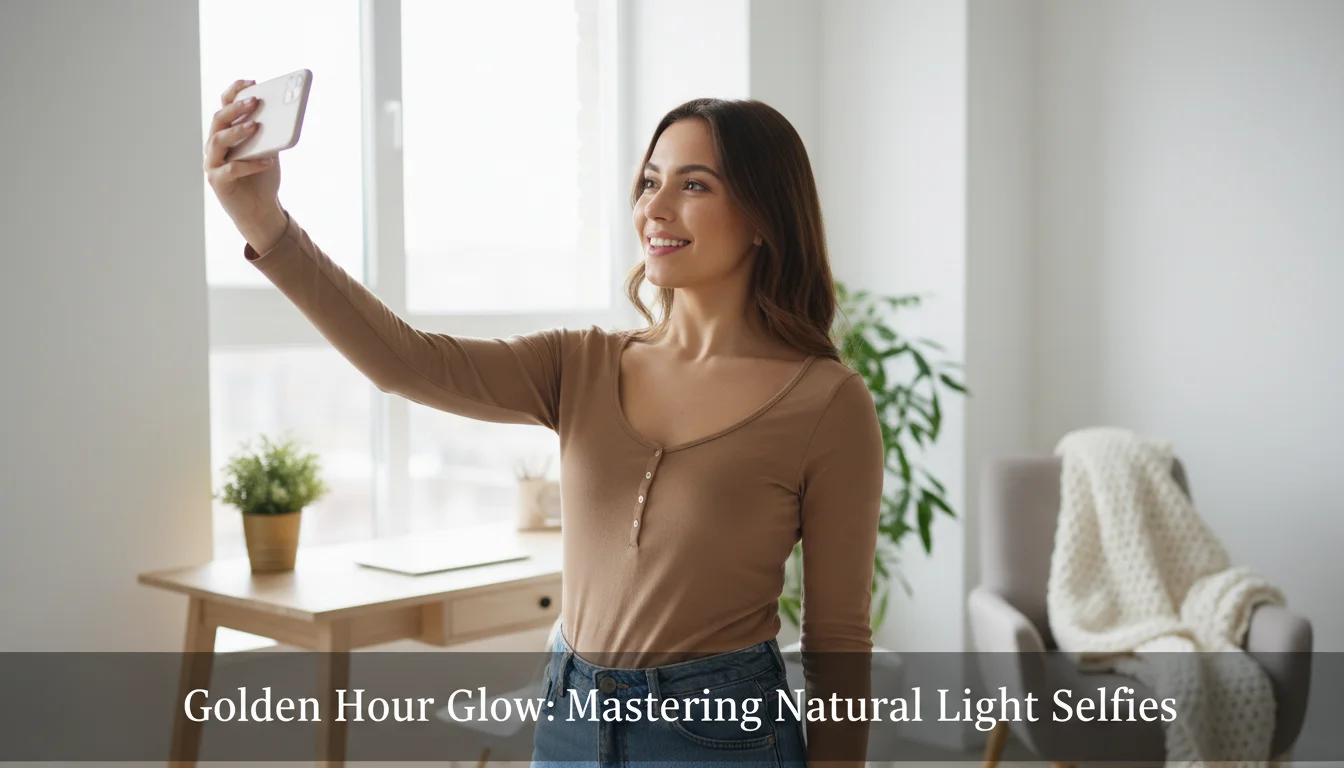
If you have ever tried an AI headshot app and felt disappointed by the results, the problem probably was not the app. It was the selfies you uploaded. The quality of your input photos has a huge impact on how your AI-generated headshots turn out. Think of it this way: the AI learns what you look like from the selfies you give it. If those selfies are blurry, poorly lit, or taken at odd angles, the AI has less to work with. But if you give it clear, well-lit photos from a few different angles, the results can look like they were taken in a professional studio.
The good news is that you do not need a fancy camera or any photography skills to take great selfies for AI headshots. You just need your phone and a few simple tips. This guide will walk you through everything you need to know — from finding the right light to choosing what to wear — so you can get the best possible results every time.
Why Good Selfies Matter for AI Headshot Quality
AI headshot generators work by studying the selfies you upload and learning what your face looks like. The AI picks up on details like your skin tone, eye color, face shape, hair texture, and even how your smile looks. It then uses all of that information to create brand-new professional portraits of you.
When your input selfies are high quality, the AI can capture these details accurately. The generated headshots will look more like you, with realistic skin, natural expressions, and proper proportions. But when your selfies are dark, grainy, or taken too close, the AI has to guess about details it cannot clearly see. That leads to headshots that might look off — maybe the eyes are slightly wrong, or the skin texture looks unnatural.
According to Nikon's portrait photography tips, lighting and focus are the two most important factors in any portrait. The same rules apply when you are taking selfies for AI headshots. Good light and a sharp image make all the difference.
Lighting: The Single Most Important Factor
If you only follow one tip from this entire guide, make it this one: use natural window light. It is free, it is flattering, and it is available in almost every home or office. Natural light from a window creates soft, even lighting across your face that looks warm and professional. It fills in shadows gently and gives your skin a healthy, natural glow.
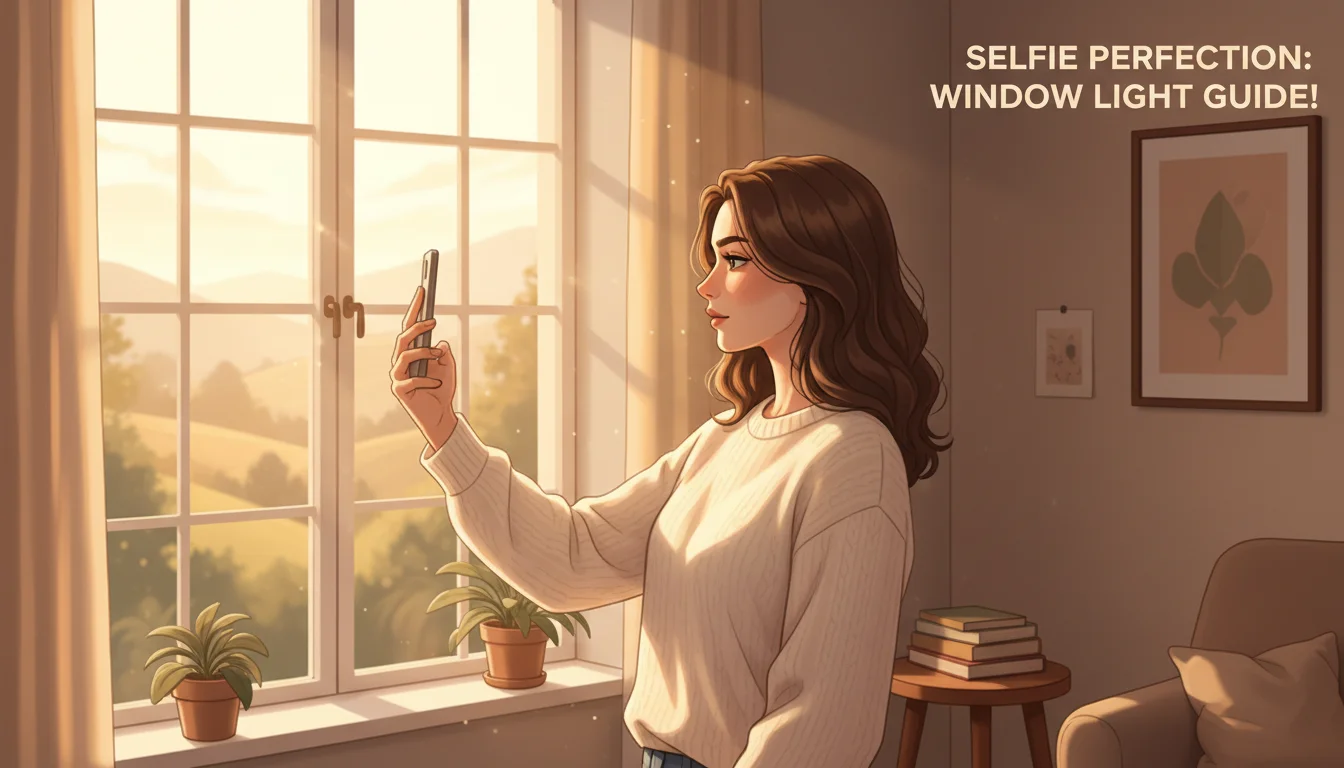
Here is how to use window light for your selfies:
- Face the window directly. Stand or sit so the window is right in front of you. This lights up your entire face evenly, which is exactly what the AI needs to learn your features.
- Avoid standing with the window behind you. If the light source is behind you, your face will be in shadow, and the camera will struggle to capture details. This is called backlighting, and it almost always produces unusable selfies.
- Use indirect sunlight. Direct sunlight streaming through a window can create harsh shadows on your face. If the sun is shining directly in, try a different window or wait until the light is softer. Overcast days actually produce the best light for selfies because the clouds act like a giant softbox.
- Turn off overhead lights. Ceiling lights, especially fluorescent ones, can add a yellowish or greenish tint to your photos. They also create unflattering shadows under your eyes and nose. When you are using window light, turn off any overhead lights so the natural light is the main source.
What about ring lights? They can work in a pinch, but they sometimes create a circular reflection in your eyes that looks artificial. Natural window light is almost always the better choice. As Harvard's photography guide explains, soft natural light is the foundation of every great portrait. If your selfies keep coming out shadowy or backlit, our guide on how to fix bad lighting in photos walks through exactly how to diagnose and correct the most common lighting mistakes.
Best Angles and Positions for AI Selfies
The angle of your selfie matters more than you might think. Professional photographers spend a lot of time finding the most flattering angle for each person, and you can do the same thing with a little practice.
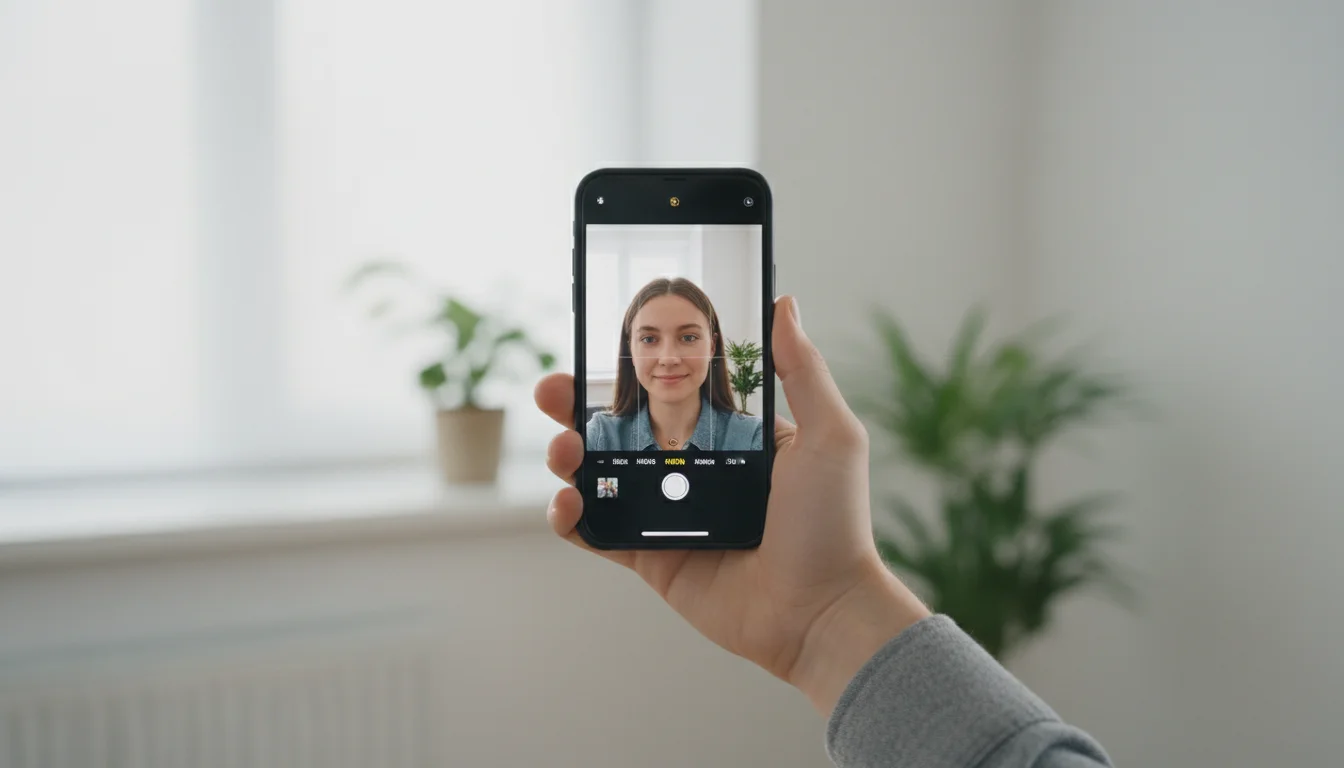
Here are the angle and position tips that make the biggest difference:
- Hold your phone at eye level or slightly above. This is the most universally flattering angle. It opens up your eyes and gives your face a natural, approachable look. Avoid holding your phone below your chin — looking down at the camera is almost never a good look for headshots.
- Keep the camera at arm's length. If the phone is too close to your face, it can distort your features. Your nose might look bigger, and your ears might seem to disappear. Hold the phone at a comfortable arm's length for proper proportions.
- Try slight turns. You do not need to face the camera head-on in every photo. A slight turn of your head — maybe 15 to 20 degrees — adds depth and dimension. Try a few straight-on shots and a few with a gentle turn to give the AI variety.
- Keep your shoulders in the frame. Do not crop too tightly. The AI benefits from seeing part of your shoulders and upper body, not just your face. This gives it context about your body proportions and posture.
- Use the back camera when possible. The front-facing camera on most phones has a lower resolution than the back camera. If you can prop your phone up and use a timer or a Bluetooth shutter button, the back camera will give you a sharper, more detailed photo.
Expression: Look Natural, Not Posed
Your expression in your selfies affects how your AI headshots will look. The AI learns your resting face, your smile, and the way your features move when you show different emotions. The most important thing is to look natural.
Here are some tips for nailing your expression:
- Think of something that genuinely makes you happy. A real smile looks completely different from a forced one. When you think of something funny or a person you love, your eyes crinkle slightly and your whole face relaxes. That warmth shows up in the final headshots.
- Try a few different expressions. Take some selfies with a relaxed, closed-mouth look and a few with a natural smile. This gives the AI more options to work with when generating your portraits.
- Relax your jaw. A lot of people clench their jaw without realizing it when they take selfies. Before you snap the photo, take a breath and let your jaw drop slightly. This softens your whole face.
- Keep your eyes open and alert. Squinting or half-closed eyes will carry over into your AI headshots. Make sure your eyes are fully open and looking at the camera.
What to Wear for Your AI Headshot Selfies
You might be wondering if your outfit matters since the AI is going to generate new portraits anyway. The answer is: it matters a little. While the AI can change your outfit in the final headshots, what you wear in your selfies affects how the AI understands your coloring, your style, and how clothing sits on your body.
- Wear solid colors. Busy patterns, stripes, and logos can confuse the AI and show up as visual noise. Solid colors in darker tones — like navy, black, gray, or deep green — tend to work best.
- Avoid white shirts if your background is white. The AI needs to clearly see where your body ends and the background begins. If you are wearing a white shirt against a white wall, those edges get lost.
- Keep accessories simple. Small earrings and a simple necklace are fine. But large hats, sunglasses, or chunky scarves can obscure parts of your face and neck, which makes it harder for the AI to generate accurate portraits.
- Wear something you would actually wear to a professional event. Even though the AI can change outfits, starting with something neat and professional helps set the right tone for the generated images.
How Many Selfies Should You Upload?
For the best results with SelfAI, upload between 5 and 10 selfies. This is the sweet spot that gives the AI enough data to learn your face accurately without overwhelming it with too many similar photos.
Here is why this range works best:
- Fewer than 5 selfies does not give the AI enough information. It might miss details about how your face looks from different angles or in different lighting.
- 5 to 10 selfies is ideal. Include a mix of straight-on and slightly angled shots, with different expressions. This gives the AI a complete picture of what you look like.
- More than 10 selfies usually does not improve results and can sometimes make processing slower. Quality matters more than quantity.
Make sure each selfie is a little different from the others. If all ten photos look identical — same angle, same expression, same lighting — you are not giving the AI any new information. Variety is what helps the AI create the most realistic and flattering headshots.
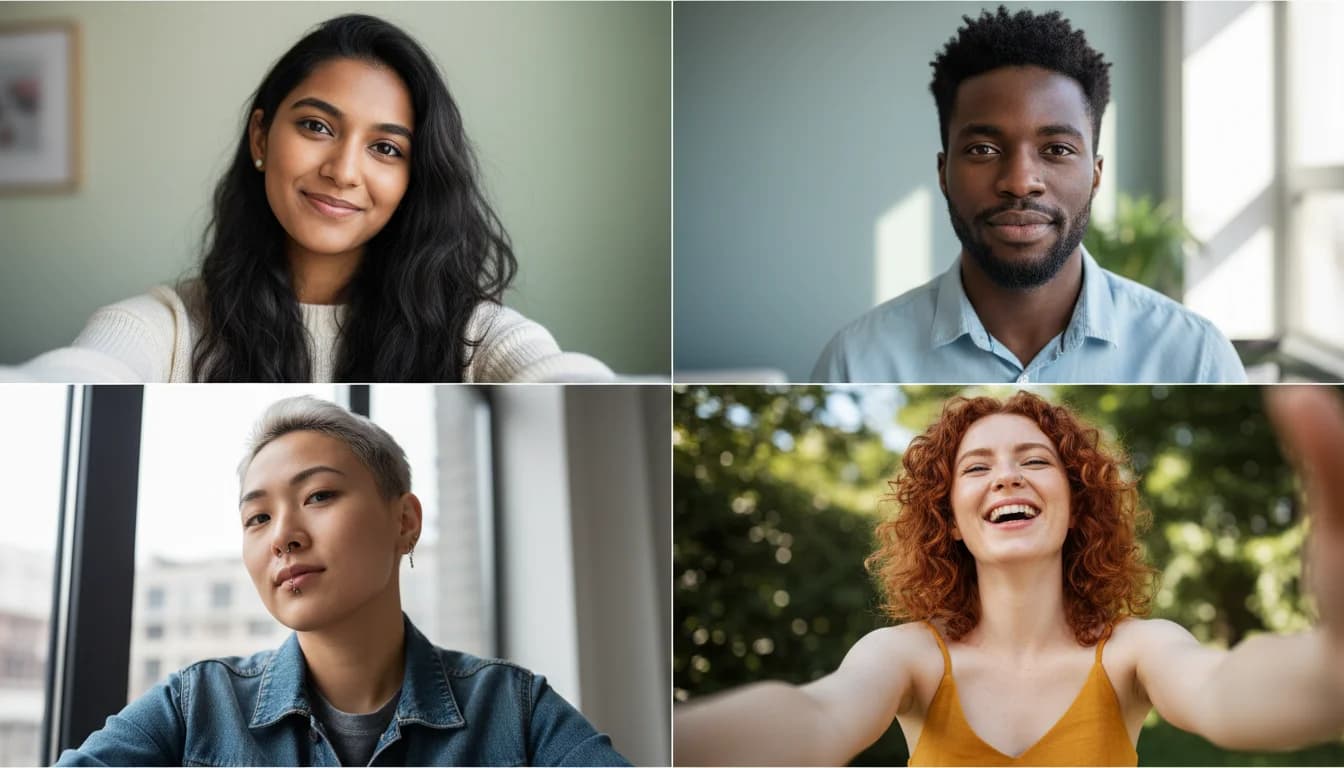
Common Mistakes to Avoid
Even with the best intentions, there are some common mistakes that can hurt the quality of your AI headshots. Here is what to watch out for:
- Using heavily filtered selfies. If your selfies already have beauty filters, smoothing effects, or color filters applied, the AI is learning what the filter looks like — not what you look like. Always upload unedited, natural photos.
- Group photos or photos with other people. The AI needs to know which face is yours. Upload selfies where you are the only person in the frame.
- Blurry or low-resolution photos. If your selfie is not sharp when you zoom in, it will not work well. Make sure your camera is focused on your face before you take the shot.
- Extreme angles or fish-eye shots. Selfies taken from far below or with a wide-angle lens distort your features. The AI will learn those distortions and carry them into the generated portraits.
- Wearing sunglasses or hats. The AI needs to see your eyes and the full shape of your head. Sunglasses hide your eyes, and hats cover your forehead and hairline. Remove them for your input selfies.
- Dark or shadowy environments. If the AI cannot see your face clearly, it cannot create accurate headshots. Always choose a well-lit location.
- Inconsistent looks across photos. If you upload five selfies with glasses and five without, or some with a beard and some clean-shaven, the AI may get confused about your actual appearance. Keep a consistent look across all your input photos.
How SelfAI Turns Your Selfies into Professional Headshots
Once you have taken your selfies following the tips above, the rest is easy. SelfAI's AI photo studio handles the hard work of turning those everyday selfies into polished, professional portraits. Here is what happens behind the scenes:
When you upload your selfies, the AI studies your facial features in detail. It maps out your bone structure, skin texture, eye color, hair style, and overall proportions. Then it generates entirely new images of you placed in professional settings. The AI simulates studio-quality lighting, adds clean and flattering backgrounds, adjusts the composition, and applies the kind of subtle retouching that professional photographers do in post-production.
The result is a set of headshots that look like you walked into a photography studio — except you never left your living room. You can choose from over 50 different portrait styles, including corporate headshots for LinkedIn, natural light portraits for dating profiles, creative editorial looks for social media, and more. The whole process takes about two minutes from start to finish.
As noted by Forbes, AI-powered photography tools are rapidly changing how people get professional photos. What used to require hundreds of dollars and hours of your time can now be done for a fraction of the cost in just a few minutes.
Quick Checklist Before You Upload
Before you upload your selfies to SelfAI, run through this quick checklist to make sure you are set up for the best results:
- You have 5 to 10 selfies ready (not more, not fewer).
- Each photo is well-lit with natural window light or soft, even lighting.
- Your face is clearly visible and in focus in every photo.
- You have a mix of angles — some straight-on, some with a slight turn.
- You are the only person in each photo.
- No sunglasses, large hats, or heavy accessories.
- No beauty filters or editing applied to the photos.
- You are wearing solid, simple clothing.
- Your expression looks natural and relaxed.
- The background is clean and not too busy.
Follow this list, and you will be giving the AI the best possible starting point. The better your input selfies, the more impressive your AI headshots will be.
Getting amazing AI headshots starts with amazing selfies, and now you know exactly how to take them. SelfAI - AI Photo Studio makes the rest effortless. Just upload your best selfies, pick your favorite styles, and let the AI do the heavy lifting. In about two minutes, you will have a set of professional headshots that are ready for LinkedIn, your resume, dating apps, your company website, or anywhere else you need a great photo. Download SelfAI today and see how easy it is to go from a simple selfie to a stunning professional portrait.
Written by
Sarah Brunner
Content Writer & Portrait Photography Editor
Sarah writes about professional headshots, personal branding, and how AI is changing the way people present themselves online. She tests every portrait style she recommends and turns what she learns into practical, no-nonsense guides for readers who want photos they actually like.
More articles by SarahReady to Turn Your Selfies into Professional Headshots?
Download SelfAI and get stunning AI-generated headshots from your selfies in minutes. Available free on iOS, Android, and Web.