The Best Background for Headshots: Colors and What to Avoid
The best background for headshots is plain, softly blurred and mid-tone. See which colors work, what to avoid, and how to fix a busy background fast.

8 min read
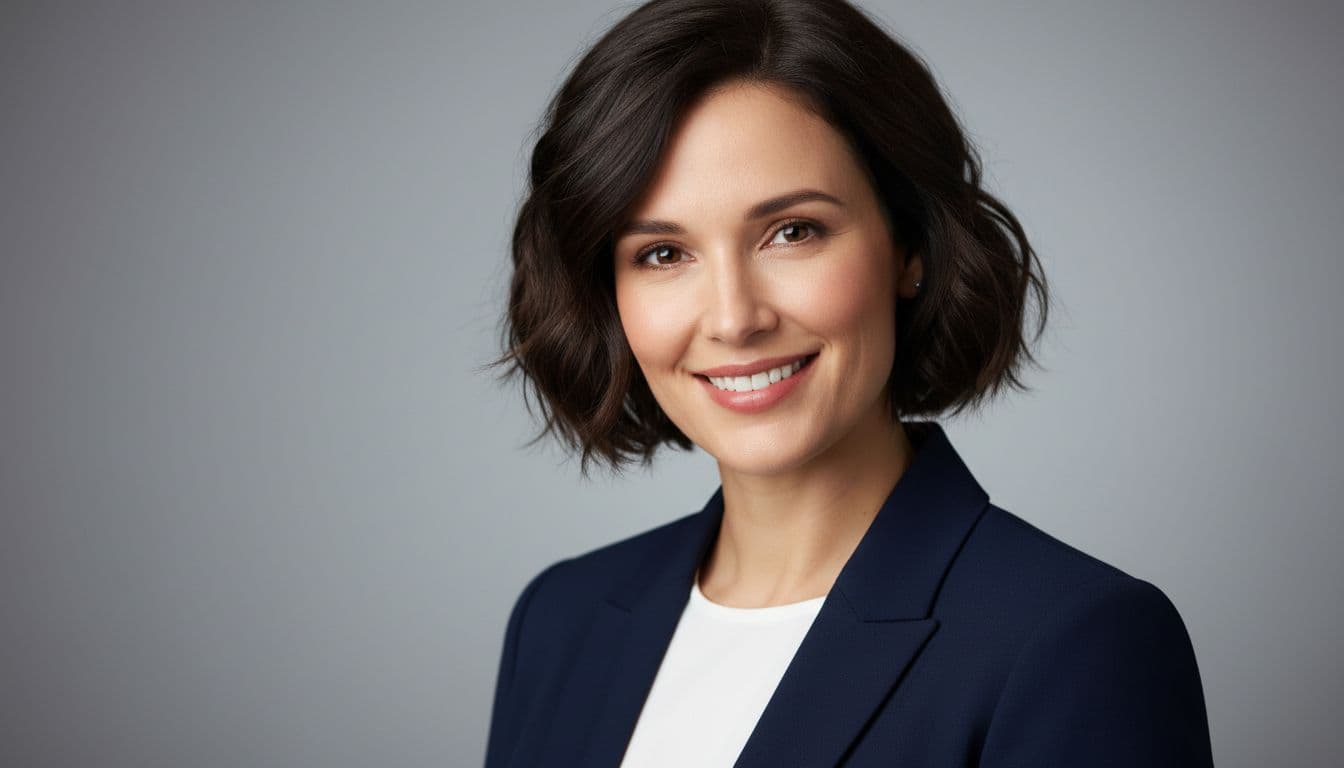
The best background for headshots is a plain, softly blurred one in a calm mid-tone, such as warm gray, soft blue or muted green. It keeps every bit of attention on your face and works on LinkedIn, resumes and company websites alike. Busy rooms, bright windows and harsh patterns are what ruin otherwise good photos.
SelfAI - AI Photo Studio is an AI photo app that turns ordinary selfies into professional headshots, business photos, ID photos and profile pictures in about two minutes, on iPhone and on the web, and it places you on a clean, flattering background automatically. This guide explains which colors and settings work, what to avoid, and how to fix a bad background even if you already took the photo.
What Is the Best Background for Headshots?
A headshot background is everything visible behind your head and shoulders. The best background for headshots is simple, uncluttered and slightly out of focus, so it adds depth without competing with your face for attention.
That definition hides a useful rule: the background should support the person, never describe the location. Photographers call this separation. When your outline is clearly distinct from what is behind you, the photo looks sharp and professional even on a small phone screen.
Separation comes from three things: a color that contrasts gently with your skin and clothing, enough distance between you and the wall, and a shallow depth of field. The Wikipedia article on depth of field explains why a wider lens opening and more distance from the backdrop blur the background.
Which Background Colors Work Best for Headshots?
Neutral and cool mid-tones work best for headshots because they flatter most skin tones and rarely clash with clothing. Gray, soft blue, muted green and warm beige are the safest choices. Pure white and pure black are the hardest to get right.
| Background color | What it signals | Best for |
|---|---|---|
| Mid-tone gray | Calm, neutral and timeless, and it suits almost every outfit and skin tone. | LinkedIn, resumes and corporate team pages |
| Soft blue | Trustworthy and approachable, and it makes warm skin tones look healthy. | Finance, consulting, healthcare and tech roles |
| Muted green or sage | Fresh and relaxed, and it feels natural next to wood and plants. | Creatives, coaches and founders |
| Warm beige or cream | Soft and friendly, though it can wash out very light clothing. | Personal brands and small businesses |
| Pure white | Clean and formal, but it often looks harsh and shows every shadow. | Passport-style and ID photos only |
| Black or very dark | Dramatic and serious, but it can swallow dark hair and clothing. | Actors, speakers and artists |
- Match the mood to the job. Soft blue and gray say reliable and steady, while sage and warm tones say creative and open.
- Contrast your clothing. A navy blazer disappears against a navy wall, and a light shirt looks sharper against a mid-tone gray.
- Skip loud colors. Bright red, orange or patterned walls pull the eye away from your face and date badly.
Clothing and background work as a pair, so it helps to decide both together. Our guide on what to wear for headshots shows which colors pair well with each backdrop.
Plain Studio Backdrop or Office Background?
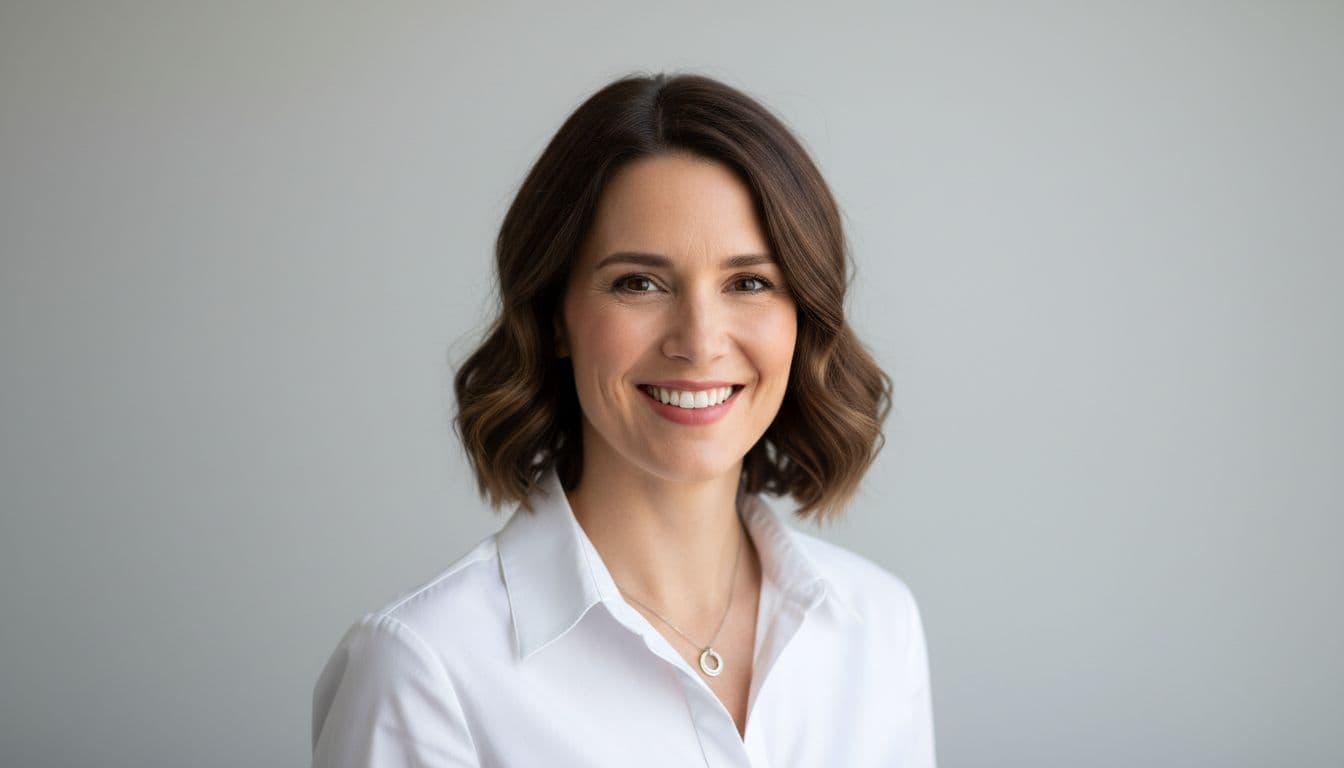
A plain backdrop is the safer choice for most people, while a softly blurred office background adds context for client-facing roles. Both can look professional. The difference is how much of the story you want the photo to tell.
- Plain backdrop. A solid gray, blue or beige wall looks polished everywhere and never dates. It is the standard for corporate directories because a team's photos match.
- Blurred office or workspace. A shallow depth of field turns a desk, bookshelf or window into soft shapes. It suggests you are approachable and active in your field.
- Gradient studio backdrop. A backdrop that fades from light to dark behind your head adds depth and gently lifts your outline.
The word that matters is blurred. A sharp, detailed office makes viewers read the background instead of looking at you. If you cannot blur it, choose the plain wall.

Can You Use an Outdoor Background for a Headshot?
Yes, an outdoor background works well for a headshot when it is soft, green and well lit. Trees, hedges and a quiet building wall turn into smooth color when the camera focuses on you. This is why outdoor portraits feel warm and natural.
Timing matters more than location. Shoot in open shade or during the hour after sunrise or before sunset so the light is gentle and your eyes stay open. The Wikipedia entry on bokeh describes the pleasing blur that makes foliage backgrounds so flattering.

Avoid spots where bright sky, cars or pedestrians sit directly behind your head. Step a few meters away from the wall or hedge so the background softens. If the lighting is the problem rather than the setting, read our guide to fixing bad lighting in a profile photo.
What Should You Avoid in a Headshot Background?
Avoid anything that competes with your face: clutter, strong patterns, bright windows, other people and objects that seem to grow out of your head. These problems are the most common reason a good photo gets rejected for a professional profile.
- Clutter. Piles of laundry, an unmade bed or a crowded shelf signal a rushed photo.
- Bright windows or lamps behind you. They turn your face dark and create a glowing outline.
- Busy patterns. Wallpaper, striped curtains and tiled walls create visual noise.
- Objects behind your head. A plant, picture frame or door handle that lines up with your head looks like a mistake.
- Other people. Cropped friends or partners are the classic mistake on a dating or LinkedIn profile.
- Heavy filters. Overdone blur effects leave messy edges around hair and ears.

How Do You Get a Clean Headshot Background at Home?
You can get a clean headshot background at home with a plain wall, a little distance and soft window light. No special equipment is needed. Follow these steps in order.
- Pick the plainest wall. Choose a light or mid-tone wall with no art, switches or shelves in frame.
- Stand away from it. Leave at least a meter or two between you and the wall so shadows fade and the background softens.
- Face the light. Place yourself facing a window with the light in front of you, never behind.
- Use portrait mode. Your phone's portrait mode blurs the background, but check your hair and ears for rough edges.
- Take many frames. Shoot 20 or more and pick the one with the cleanest outline and a relaxed expression.
For more on poses and framing, our LinkedIn profile photo guide covers the crop, size and expression that recruiters notice. The overall principles of framing and lighting are summarised in the Wikipedia overview of portrait photography.
Which Background Suits LinkedIn, Resumes and Dating Profiles?
LinkedIn and resumes suit a plain or softly blurred neutral background, while dating and social profiles can use warmer, more natural settings. Every platform crops your photo into a small circle or square, so a simple background reads better than a detailed one.
- LinkedIn and resumes: mid-tone gray, soft blue or a blurred office, with nothing distracting behind you.
- Company websites and email signatures: the same background as your teammates so the group looks consistent.
- Dating profiles: outdoor greens, a cafe or a warm home setting that shows your personality. See our dating profile photo tips.
- ID and passport photos: plain white or light backgrounds that follow the official rules of the issuing country.
How SelfAI Makes the Background Easy
SelfAI handles the background for you, so a cluttered room is no longer a problem. You upload a few selfies, choose a style, and the app builds professional portraits with clean studio backdrops, blurred offices or natural outdoor scenes. It takes about two minutes.
- Pick the look. Choose from 50+ styles, from neutral gray corporate backdrops to warm natural light scenes.
- Keep your likeness. The app preserves your real features and expression while it replaces the setting.
- Match your team. Use the same style for everyone and get a consistent set of company photos.
If you are comparing tools, our guide to the best AI headshot generator app lists the criteria that matter, including how natural the background and lighting look. SelfAI is free to try on iPhone and on the web.
The Short Version
Choose a plain, softly blurred background in gray, soft blue or muted green, keep it well away from your shoulders and make sure nothing sits behind your head. If your room cannot give you that, let an AI photo app build the background instead. A clean backdrop is the quickest upgrade you can make to any profile photo.
Frequently Asked Questions
What is the best background for headshots?
The best background for headshots is plain, uncluttered and softly blurred, in a mid-tone color such as gray, soft blue or muted green. It keeps attention on your face, flatters most skin tones and looks professional on LinkedIn, resumes and company websites.
What color background is best for a LinkedIn headshot?
Mid-tone gray or soft blue is best for a LinkedIn headshot. These colors look calm and trustworthy, contrast gently with most clothing and stay clear at the small size LinkedIn displays. A softly blurred office background is also a good option.
Is a white background good for headshots?
A white background suits ID and passport-style photos, but it is rarely ideal for a professional headshot. Pure white can look harsh, show shadows and wash out light clothing. A light gray or soft off-white backdrop gives a clean look with more depth.
Should my headshot background be blurred?
Yes, a slightly blurred background usually looks best because it separates you from the scene and keeps the focus on your face. Aim for soft shapes rather than readable details. If you cannot blur it with your camera, stand in front of a plain wall.
Can I use an outdoor background for a professional headshot?
Yes, as long as the background is soft, green and evenly lit. Trees and hedges blur into pleasant color in open shade or at golden hour. Avoid harsh midday sun and busy streets, which distract from your face and create strong shadows.
How do I fix a bad headshot background?
You can fix a bad headshot background by retaking the photo in front of a plain wall, using your phone's portrait mode, or using an AI photo app to replace the setting. SelfAI turns ordinary selfies into headshots with clean backgrounds in about two minutes.
Written by
Sarah Brunner
Content Writer & Portrait Photography Editor
Sarah writes about professional headshots, personal branding, and how AI is changing the way people present themselves online. She tests every portrait style she recommends and turns what she learns into practical, no-nonsense guides for readers who want photos they actually like.
More articles by SarahFix Your Headshot Background in Minutes
Download SelfAI and turn your selfies into professional headshots with clean, flattering backgrounds. Available free on iOS and Web.