What Is an AI Photo Studio? The Complete Guide to AI-Generated Headshots and Portraits
Learn how AI photo studios work, why they're replacing traditional photography for professional headshots, and how to get studio-quality portraits from your phone in minutes.

6 min read
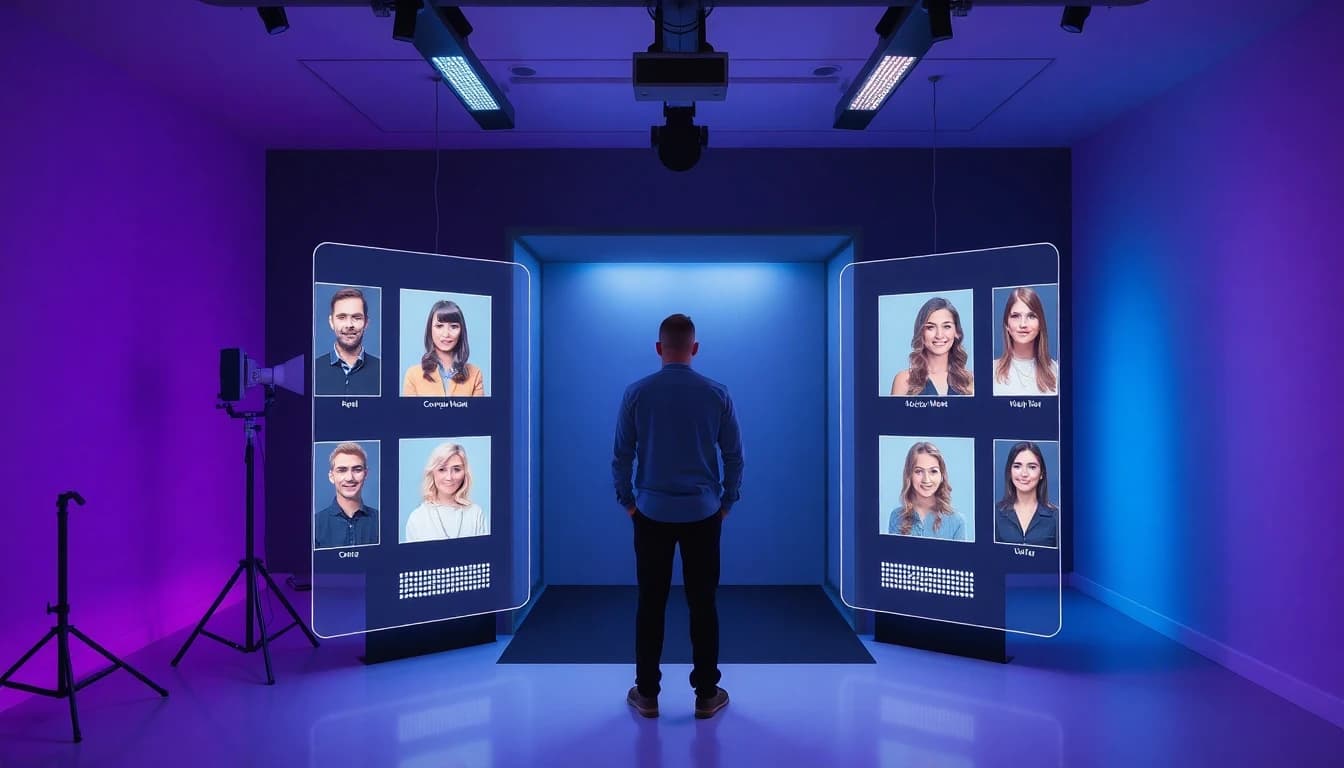
Professional headshots used to mean one thing: booking a photographer, showing up to a studio, and spending hundreds of dollars for a handful of edited photos. That model worked for decades, but it was never accessible to everyone. If you needed a quick LinkedIn photo before a job interview or a fresh set of portraits for your new business, the traditional route was slow, expensive, and inconvenient.
That's where AI photo studios come in. An AI photo studio is an app or platform that uses artificial intelligence to generate professional-quality headshots and portraits from regular selfies. No camera equipment, no lighting rigs, no studio rental. Just your phone, a few selfies, and a couple of minutes. The results? Studio-grade portraits that look like they were shot by a professional photographer.
How AI Headshot Generators Actually Work
The technology behind AI headshot generators is based on advanced machine learning models trained on millions of professional portrait photographs. These models have learned what makes a headshot look polished — the angle of the lighting, the quality of the background, the composition of the frame, and the subtle retouching that smooths skin without making it look artificial.
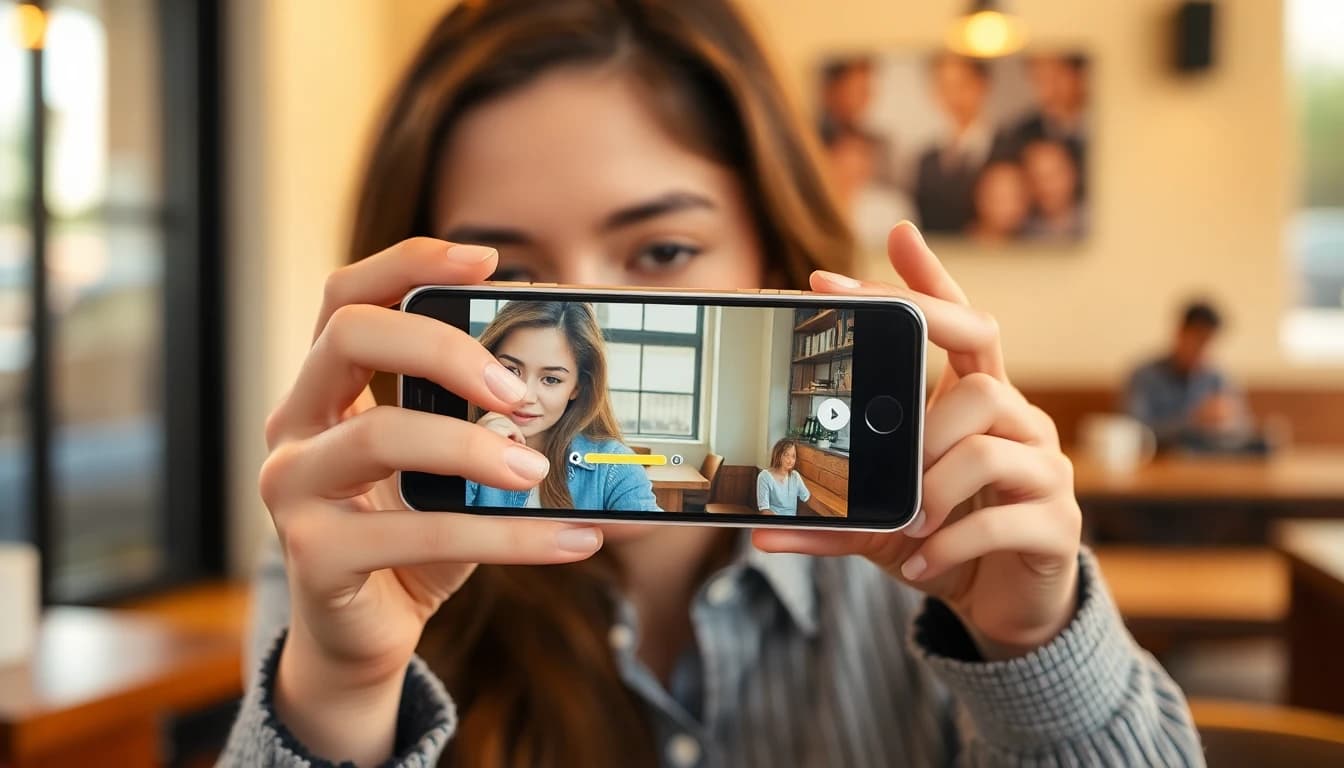
When you upload your selfies to an AI photo studio like SelfAI, the AI analyzes your facial features — the shape of your face, your skin tone, your eye color, your hair texture. It then generates entirely new images of you in professional settings. The AI doesn't apply a filter to your existing photo. It creates a new portrait from scratch, placing your likeness into studio-quality environments with professional lighting, clean backgrounds, and proper composition.
According to Adobe's guide on portrait photography, the key elements that make a professional portrait are lighting quality, depth of field, background separation, and natural expression. AI headshot generators simulate all of these elements digitally, producing results that follow the same principles professional photographers have used for decades.
Why Your Profile Photo Matters More Than You Think
Your headshot is often the very first impression you make online. On LinkedIn, a professional profile photo makes your profile up to 14 times more likely to be viewed. Recruiters scroll through hundreds of profiles daily, and a polished headshot signals professionalism, confidence, and attention to detail before they even read your headline.
The same applies to dating apps. Research from Psychology Today shows that photos are the single most important factor in online dating decisions — more than bios, shared interests, or clever prompts. A clear, well-lit portrait where you look approachable and genuine dramatically increases your chances of getting matches.
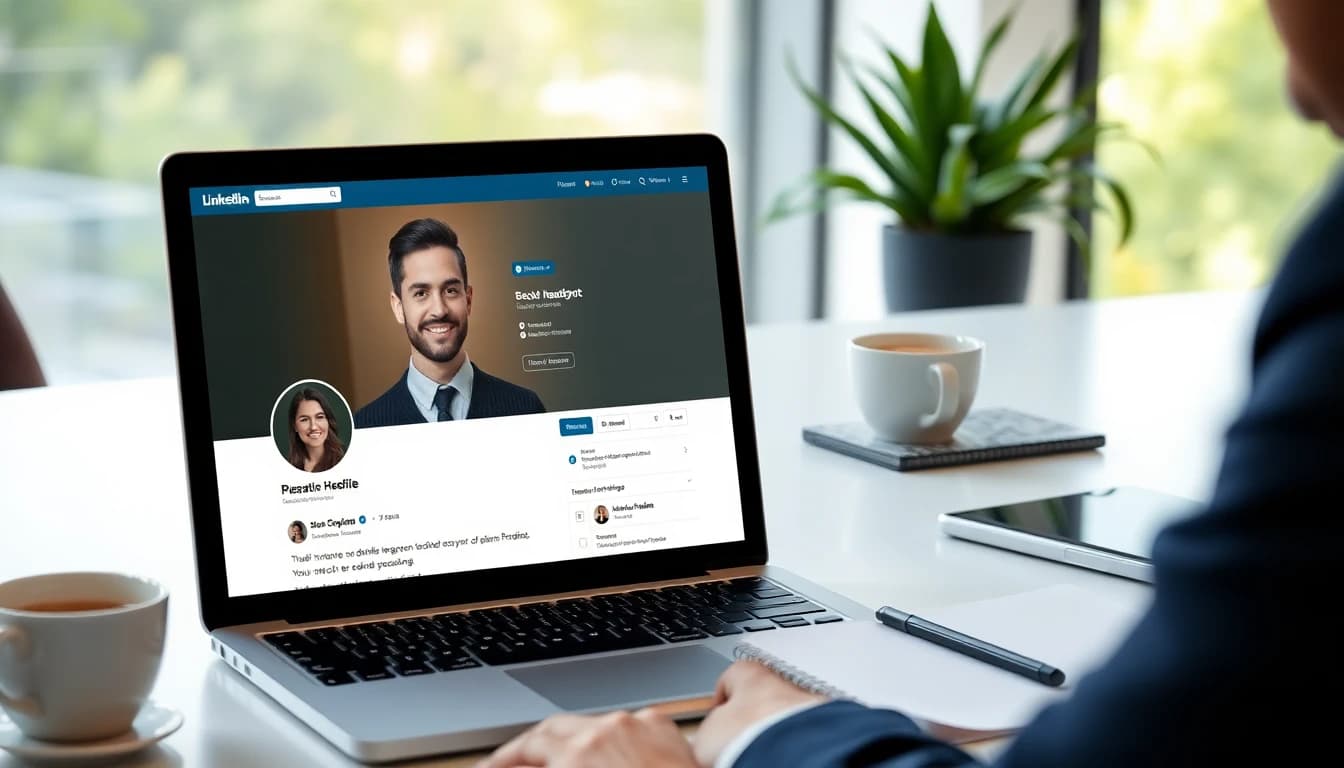
For entrepreneurs and small business owners, professional headshots are essential for company websites, pitch decks, press features, and social media. A consistent, high-quality portrait across all your platforms builds brand trust. But not everyone has the budget to book a professional photographer every time they need an updated photo — which is exactly the gap AI photo studios fill.
What Makes a Great AI Photo Studio App
Not all AI headshot generators are created equal. The best ones share a few key characteristics that separate them from basic photo filters or generic AI tools:
- Likeness accuracy. The AI portrait should actually look like you. Not a vaguely similar face — your face, with your specific features preserved.
- Style variety. A good AI photo studio offers multiple portrait styles — corporate headshots, natural light portraits, creative editorial, dating profile photos, and more — so you can get exactly what you need for any platform.
- Professional lighting simulation. The difference between an amateur selfie and a professional headshot is almost entirely about lighting. The best AI headshot generators simulate studio lighting setups like Rembrandt lighting, butterfly lighting, and natural window light.
- Clean backgrounds. Professional headshots feature clean, non-distracting backgrounds. AI photo studios should generate proper gradient backgrounds, blurred office environments, or solid neutral tones.
- Speed and convenience. The whole point is to skip the studio booking. Results should be ready in minutes, not hours.
SelfAI checks all of these boxes. It offers 50+ portrait styles, generates results in about 2 minutes, works with regular phone selfies, and is available on iPhone, Android, and the web. Whether you need a single corporate headshot or a full set of creative portraits, the app delivers professional results without the professional price tag.
The Best Use Cases for AI-Generated Headshots
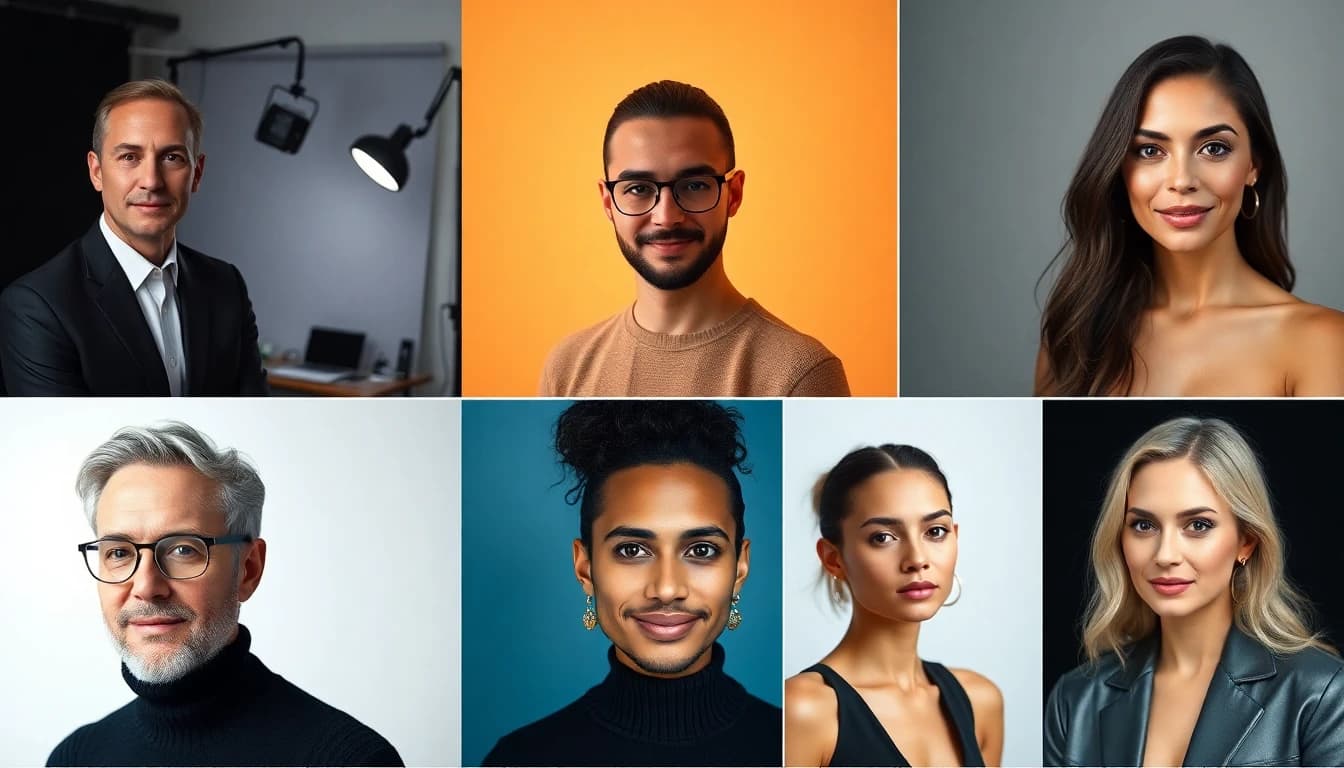
AI headshots aren't trying to replace professional photography entirely. They're solving a specific problem: making professional-quality portraits accessible, fast, and affordable for everyday use. Here are the situations where AI-generated headshots make the most sense:
- LinkedIn and job applications. You need a polished professional headshot, and you need it now — not in two weeks when the photographer has an opening.
- Dating profiles. You want photos that look natural and authentic, not overly staged studio shots. AI can generate warm, approachable portraits with natural lighting that feel genuine.
- Company team pages. If your startup has 15 team members and you need consistent headshots for the website, an AI photo studio can generate them all in the same style for a fraction of what a group photo session would cost.
- Social media and personal branding. Content creators and entrepreneurs need fresh profile photos regularly. AI makes it easy to update your look across platforms without scheduling a new shoot every time.
- Email signatures and business cards. A professional headshot in your email signature adds credibility to every message you send. AI makes it easy to get one without any hassle.
Getting Started With Your First AI Headshots
If you've never used an AI photo studio before, the process is surprisingly simple. Here's how to get your first set of professional AI headshots with SelfAI:
- Download the app from the App Store or Google Play, or use the web version at app.selfaiphoto.com.
- Upload 5-10 selfies. Use photos with clear, front-facing views of your face. Natural lighting works best, but the AI can work with any reasonable photo quality.
- Choose your styles. Pick from corporate headshots, natural light portraits, creative styles, or let the AI generate a variety.
- Download your headshots. In about 2 minutes, you'll have a set of professional portraits ready to use on LinkedIn, your resume, dating apps, or anywhere else you need them.
The bottom line? AI photo studios have made professional headshots accessible to everyone. You don't need a photographer, a studio, or a big budget. You just need your phone and a few minutes. The quality of AI-generated portraits has reached a point where they're indistinguishable from traditional studio photography for most professional and personal use cases. And that's not going to change — it's only going to get better.
Written by
Sarah Brunner
Content Writer & Portrait Photography Editor
Sarah writes about professional headshots, personal branding, and how AI is changing the way people present themselves online. She tests every portrait style she recommends and turns what she learns into practical, no-nonsense guides for readers who want photos they actually like.
More articles by SarahReady to Get Your AI Professional Headshots?
Download SelfAI and turn your selfies into stunning professional headshots in minutes. Available free on iOS, Android, and Web.